
Health Practice Management Automation: How to Get Started

Every minute spent typing and sending reminders, updating records, or chasing invoices is a minute lost. For many practitioners, these small tasks add up to hours of lost time each week–time that could be spent seeing clients, on marketing, or replenishing your self-care resources.
In a Health Practice Buzz webinar, Zanda Co-Founder and Head of Customer Success, Damien, and Irina, Product and Community Specialist, revealed a smarter approach: letting automations handle repetitive tasks behind the scenes. No more mental energy wasted on remembering follow-ups or reconciling payments. Just more freedom to practice on your terms.
Here’s how it works…
Why should you automate?
1. Protect your practice’s profitability
Excessive time spent on manual admin amounts to opportunity cost for your clinic–not to mention excessive overhead.
Automation slashes overhead costs, whether you’re an overwhelmed solo practitioner or a group practice trying to free staff from data entry.
When reminders, invoices, and follow-ups handle themselves, your time transforms from a cost center to a profit driver.
2. Provide exceptional service
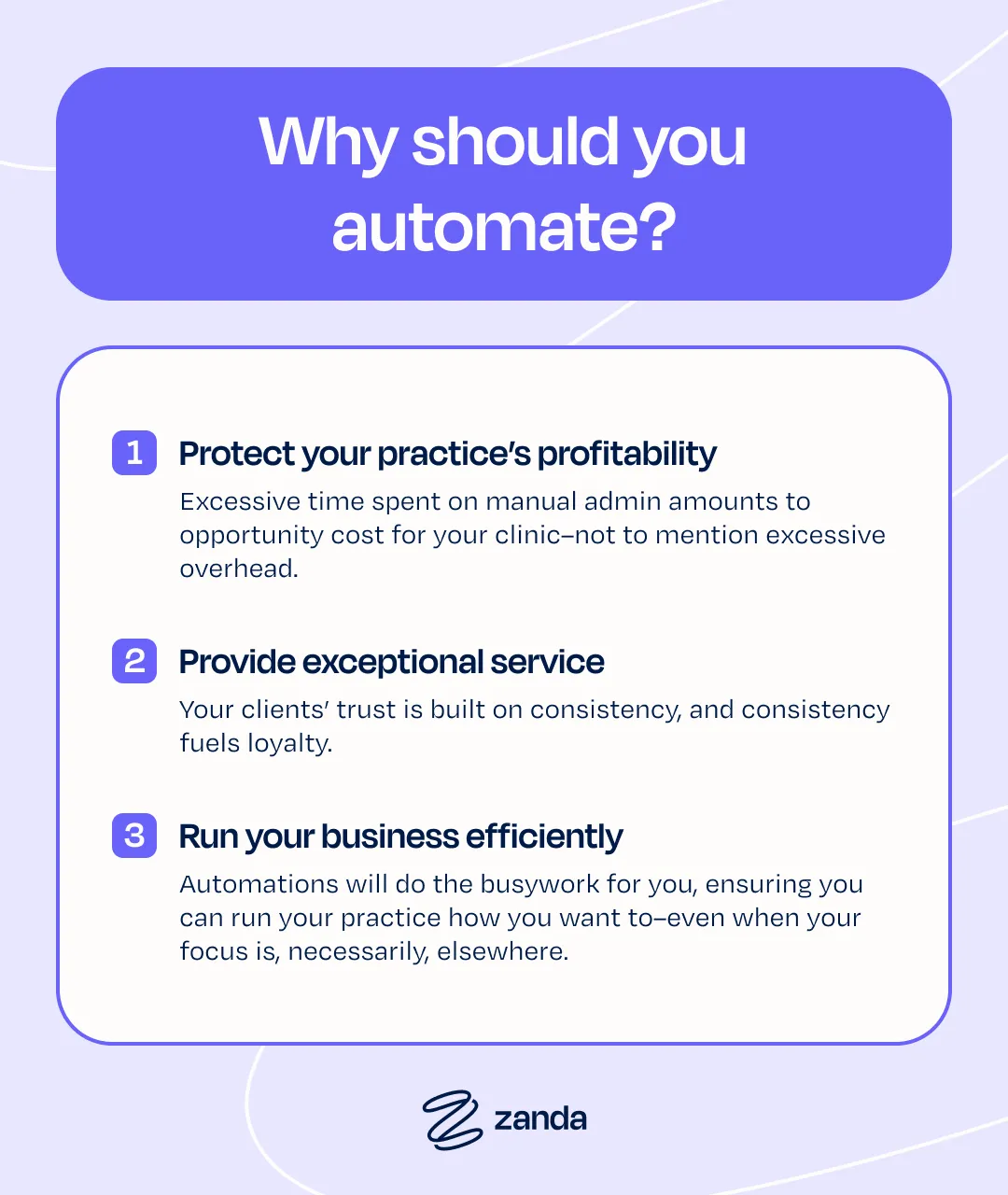
Your clients’ trust is built on consistency, and consistency fuels loyalty.
Automated systems ensure every intake form is received, and no post-appointment check-in goes unsent. Every client communication is an opportunity to build trust and retention.
3. Run your business efficiently
A thriving practice runs on a simple equation: inputs (your expertise, efforts, and investment) + outputs (excellent client service) = profits + sustainable growth.
The more this equation depends upon efficient systems instead of human input (your time, effort, and memory), the easier it will be to grow.
Automations will do the busywork for you, ensuring you can run your practice how you want to, even when your focus is necessarily elsewhere.
Zanda automations
Zanda offers help for practitioners who want to know:
- What are the best ways to streamline client intake processes?
- How do I automate appointment reminders in a clinic?
- How can I reduce administrative workload in private practice?
- What tips help automate billing and invoicing for health practices?
There are opportunities to reduce admin time in healthcare practice at each stage of the client journey.
Here’s how you can get started…
1. New client automations
The new client automation kicks in the moment a new name appears in your system, whether added by your team or through self-booking.
Here’s the magic:
- Instant actions send out welcome messages or intake forms
- Scheduled sequences introduce new clients to your practice at just the right pace
Mix and match emails, SMS reminders, and staff alerts to create a seamless onboarding workflow–all running in the background of your practice operations.
2. Pre-appointment automation
Think of the last time a client arrived flustered–forgot their paperwork, missed the prep instructions, or worse, they forgot the booking and no-showed.
The pre-appointment automation turns those “Oh no” moments into “All set” confidence.
Here’s how it works behind the scenes:
- Automated messages deliver your prep instructions (think: fasting requirements or intake forms) at just the right intervals
- Staff tasks auto-generate in Zanda, whether it’s preparing treatment rooms or reviewing charts, so nothing slips through pre-session cracks
Set your rules once (email these forms 3 days out) and watch your no-shows drop while client readiness improves.
3. Invoicing automation
No one likes chasing payments.
With the invoicing automation, your billing process hums along quietly while you focus on more rewarding work.
Here’s how it simplifies your workflow:
- Auto-sent invoices reach clients via email or SMS at the optimal time (after 2 PM in your time zone, when they’re most likely to be seen)
- Built-in urgency–invoice links expire after 7 days, nudging clients to act
- Staff tasks are auto-generated for any follow-ups needed, so your team stays in the loop without manual tracking
Set your rules once, and let the system handle the rest. Fewer awkward payment conversations, more predictable cash flow–and best of all, less mental energy spent remembering who’s paid what.
Pro Tip: These automations work particularly well when paired with online payments for truly hands-off billing.
4. Post-appointment automations
That critical window after an appointment? Post-appointment automations turn it into an opportunity for client retention.
Here’s what happens on autopilot:
- Timely follow-ups deliver aftercare instructions, satisfaction surveys, or simple check-ins–right when they’ll have the most impact
- Internal tasks trigger automatically, whether it’s scheduling the next session or reviewing treatment progress
- Custom timing lets you space communications perfectly. Send a thank-you immediately, then check in three days later
The result?
Clients feel cared for, while your practice maintains professional touchpoints without the manual effort. It’s the kind of thoughtful follow-through that builds lasting relationships and keeps your calendar full.
Bonus: These automations can help you maintain compliance with healthcare regulations around continuity of care.
5. Recall automation
Some clients mean to rebook, but they just need a reminder at the right time.
The recall automation will become your reliable rebooking assistant, quietly supporting your client retention rate, so your practice can keep growing.
Here’s how it works:
- Follow-ups are triggered after a specified period of time, and only if no future booking exists, so there’s no unnecessary communication
- Multi-channel touch points reach clients via their preferred method (SMS/email) with gentle reminders tailored to your services
- Staff alerts notify your team when high-priority clients need personal outreach
Set it once: Whether it’s 6-week checkups or 3-month follow-ups, the system handles the tracking so you can focus on the clients in front of you. It’s an effortless way to keep your schedule full while demonstrating you value continuity of care.
6. Communication templates
Great practices thrive on consistency–but crafting the right messages for clients shouldn’t eat into your day.
That’s why Zanda provides adaptable templates for each client touchpoint, ready to edit and pre-load into your automations.
Your template toolkit includes:
- Pre-appointment communications (general info, telehealth instructions)
- Post-care follow-ups (general check-ins, satisfaction surveys)
- Financial reminders (unpaid invoices, monthly statements)
- Retention tools (recall messages, rebooking nudges)
Managing Zanda automations
Think of the Zanda automations feature like a team member that never forgets and handles the repetitive work exactly how you’d want it done.
The best part? You only need to set it up once.
Your automation toolkit
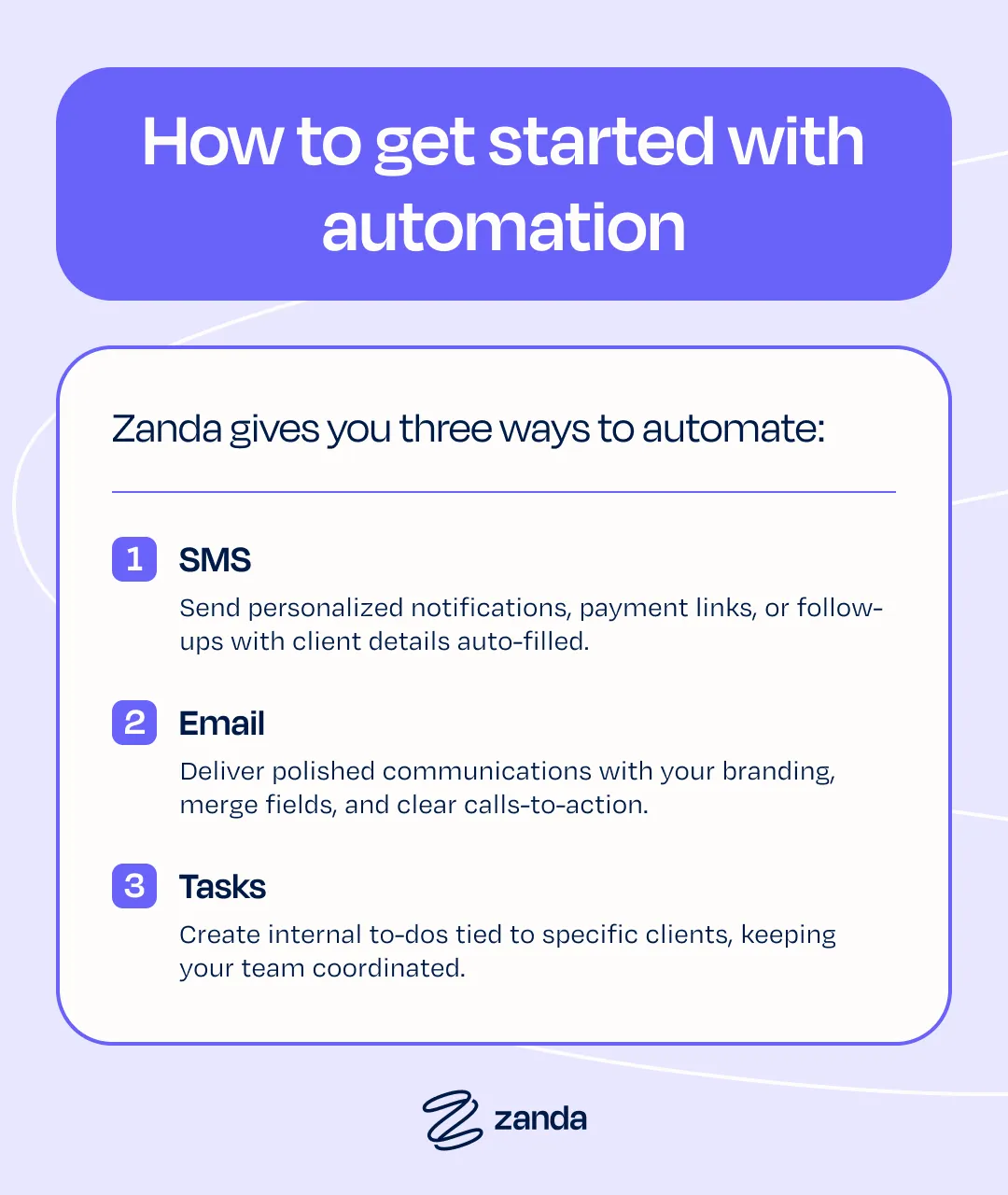
Zanda gives you three powerful ways to automate:
- SMS: Send personalized notifications, payment links, or follow-ups with client details auto-filled
- Email: Deliver polished communications with your branding, merge fields, and clear calls-to-action
- Tasks: Create internal to-dos tied to specific clients, keeping your team coordinated
Key Things to Know:
- No limits: Create as many automations as your practice needs
- Smart timing: Messages deliver after 2 PM local time for optimal visibility
- Flexibility: Adjust conditions, templates, and triggers anytime
Ready to streamline your practice with Zanda automations?
Watch our webinar for a demo–we walk you through each feature and demonstrate how to set them up for maximum impact.
Once you see how much time you’ll reclaim, you’ll wonder how you ever practiced without it.
Practice management made easy, get started
Ready to experience Zanda? Try it for free.