For appointment booking confirmations, use Zanda appointment communication settings instead of MailChimp. See MailChimp: Frequently Asked Questions for the difference.
You can read more about MailChimp on their website here.
Connecting to MailChimp
In order to use this integration you will first need to create a MailChimp account (if you do not already have one). Once you have created a MailChimp account you can follow the steps below to connect your Zanda account to your MailChimp account.
- Go to User Menu > Account Settings > Communication > Communication Options.
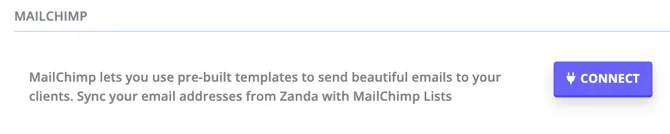
- Under the MailChimp section click the blue ‘Connect’ button.
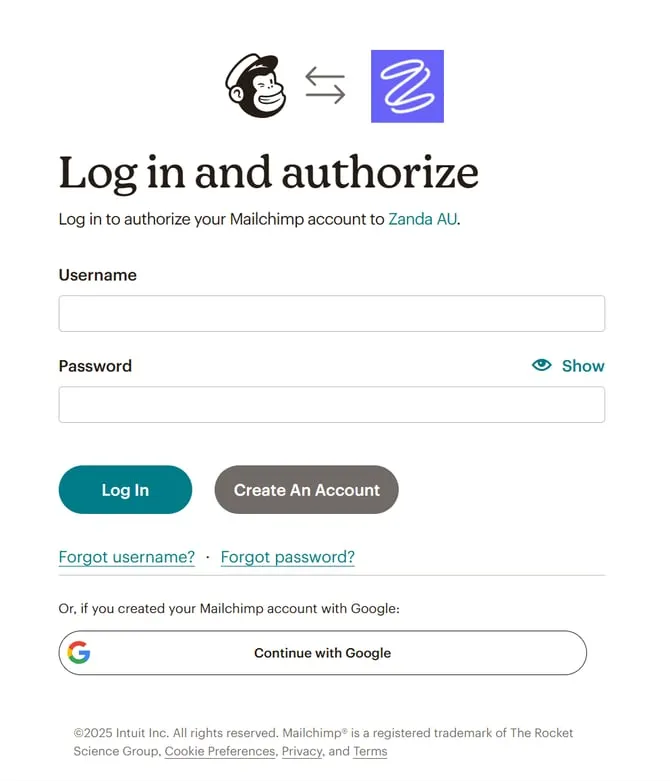
- Enter your MailChimp Username and Password and log in.
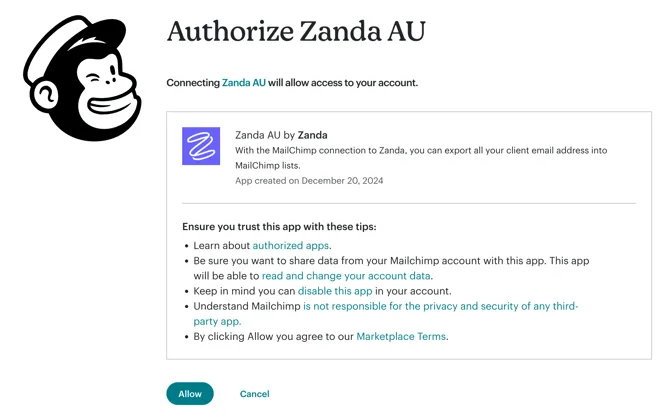
- You will then be prompted to authorise the integration.