Zanda Health

Front Desk vs. Zanda

Looking for a Front Desk alternative?

Why practices look for a Front Desk alternative

Front Desk and Zanda both handle practice management, but the differences add up quickly. Zanda gives you more features at a lower price, with no setup fees, free online bookings, free Medicare integration, and a free data import. If you're on Front Desk and your costs are climbing, switching is easier than you think.

Front Desk vs Zanda: Top highlights
1

Free data import, no fees

Free data import, no fees

Zanda provides a comprehensive data import service at no charge, including client details, appointments, notes, services, products, referrers, and financial information. It typically takes 24 to 48 hours. Front Desk charges an additional fee depending on what you want transferred.

2

No setup fees and lower ongoing costs

No setup fees and lower ongoing costs

Zanda has no mandatory setup fee, no one-off costs for Medicare, and no add-on charge for online bookings. A single practitioner on Front Desk (Subscribe + Patient Booking Gateway + Medicare) can easily pay more than double the equivalent Zanda plan.

3

Cloud-based, access from anywhere

Cloud-based, access from anywhere

Zanda runs entirely in the browser. No software to install, no manual updates, and full access from any device. Front Desk requires installation via CD, and remote access options (WebPlus, Off-Site Hosting) cost extra.

4

Medicare integration included

Medicare integration included

Effective March 2022, Front Desk can no longer process Medicare claims. Zanda has a native Medicare integration at no extra charge, with no third-party middlemen and no additional fees.

5

Online bookings and payments included

Online bookings and payments included

Zanda includes the client booking portal with every account. Front Desk charges an additional monthly fee for its Patient Booking Gateway. Zanda also integrates with Stripe so clients can pay at the time of booking, something Front Desk cannot do.

See why health practices love Zanda

Zanda is purpose-built for allied health. Whether you're running a solo clinic or a multi-location practice, Zanda gives you everything you need to manage clients, notes, billing, and communications, without the limitations of add-on pricing.

40k+

Users

100k+

Invoices per month

650k+

Client notes a month

Front Desk vs Zanda: Side-by-side comparison*

Here's how Zanda and Front Desk compare across the features that matter most.

Features
Zanda
Front Desk
Free trial
14-day free trial with full access to all features including SMS messaging.
No free trial. Book a demo only.
Data import service
Free. Includes client details, appointments, notes, services, products, referrers/referrals, contacts, third parties, and in some circumstances financial information. Typically 24 hours.
Available but at additional cost.
Calendar management
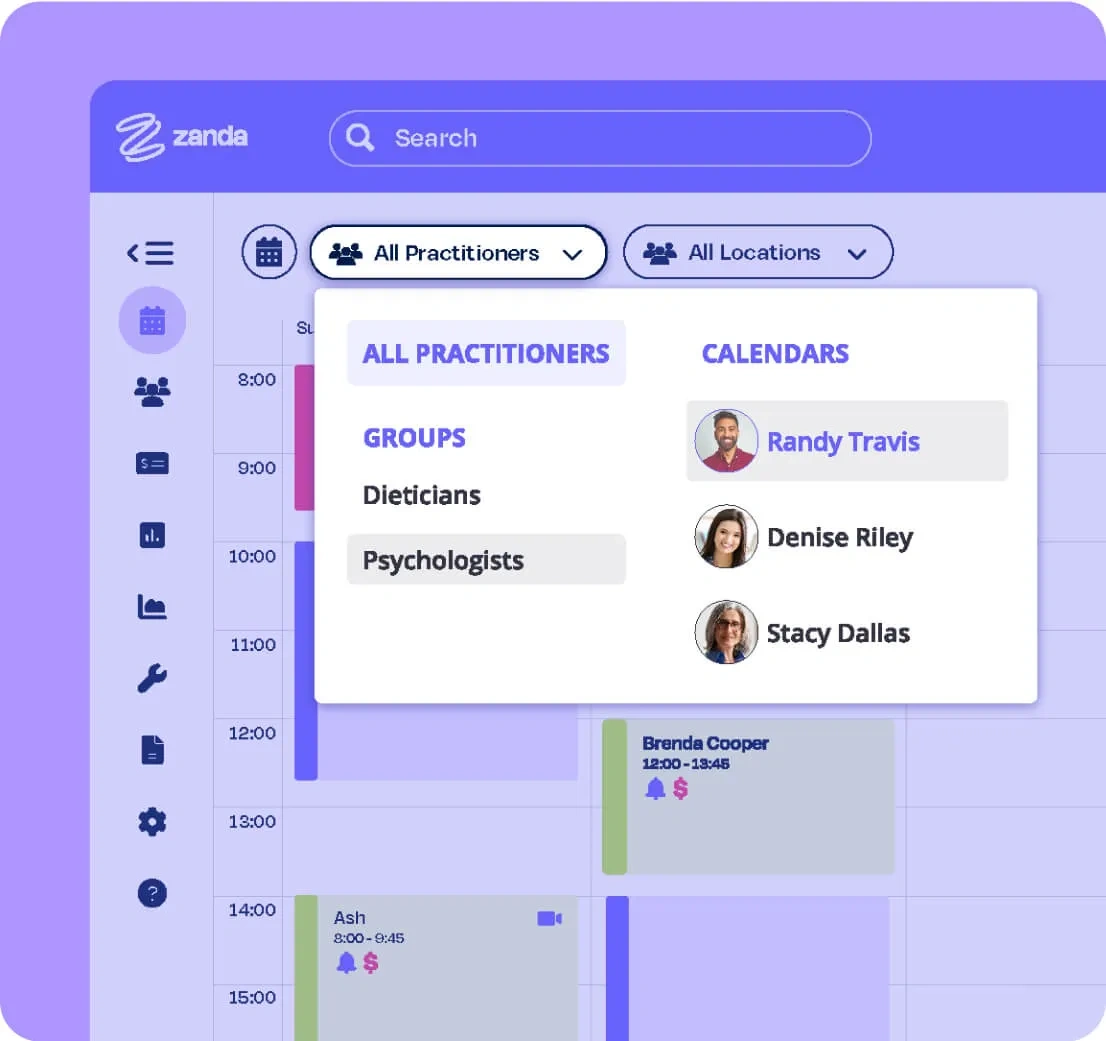
Multiple appointment types with color coding. Appointment flags for booking status. Supports multiple locations and flexible recurring availability.
Yes, but limited functionality compared with Zanda.
SMS & email reminders
Send up to 3 SMS and email reminders per appointment with flexible timing. Responses auto-update appointment status in the calendar.
SMS and email reminders available. Responses auto-update appointment status.
2-Way SMS chat
Yes
Yes
Telehealth
Secure and compliant with all health standards.
Front Desk provides an interface but does not supply telehealth software. Requires a third-party provider.
Online forms
Library of customizable, specialty-specific forms. Responses upload automatically to the client file. Supports digital signatures and clinic branding.
No mention of online forms on the Front Desk website.
Client management system
Yes
Yes
Treatment notes
Over 100 specialized, fully customizable templates. Supports multiple choice, tick boxes, image and body charting with annotation. Unlimited template creation and storage. Duplicate previous notes and view full edit history.
Yes, but fewer customization options. Supports image and body charting. Pre-prepared templates available. Can duplicate previous notes.
Online bookings
Included with every account. Apply branding, colors, logo, and header image. Add a booking link to your website or Facebook.
Yes, but requires the Patient Booking Gateway add-on at an additional monthly fee. Limited functionality compared with Zanda.
Waitlist
Yes
Yes
Medicare claiming
Completely free. Native integration, no third-party processing.
Front Desk cannot process Medicare claims effective March 2022.
Invoices & payments
Fully integrated invoicing. Calendar alerts for outstanding payments. Block clients from booking with outstanding balances. Integrates with Xero, Stripe, and Tyro.
Yes, but limited invoicing options. Integrates with Xero and Tyro. No Stripe integration for online payments.
Credit card processing
Accept payments at time of online booking, during home visits, or via telehealth. Clients can also pay through the client portal.
Cannot accept payments at time of booking or during in-person/home visit appointments.
Reports & analytics
Yes
Yes, but restricted compared with Zanda.
Money-back guarantee
Yes
No
Practice Operations Manual
An in-platform library of 100+ policies and procedures, ready to use and easily adapted to your practice.
No

*This comparison article reflects information available as of April 2020.

Still deciding? We're here to help.

The Zanda support team is available via email, live chat, or the knowledge base.

Book a call

Book a walkthrough with our team and get set up the right way for your practice.

Book a Call

Read customer reviews

See why thousands of practitioners choose Zanda.

Reviews

Free data import

We'll transfer your practice data at no charge, so nothing gets left behind.

Data Import

Start a free 14-day trial

No credit card needed. Get up and running in minutes.

Start Free Trial

What Practitioners Are Saying

I like the way it just keeps improving and how easy it is to obtain help if you get stuck doing something. I find it easy to use and I can add information easily to my customer files in the software.
Judith C.
Zanda gave me a fully usable account for about a month to play with. I could immediately see how easy it was calendaring, customer info, templates, everything seamlessly integrated.
Vanessa Grimes, Owner
Acupuncturist
Zanda enhances efficiency with AI notes, telehealth, and robust reporting. It supports smooth clinical operations, easy communication, and data-driven insights. I love its innovative approach and strong support, making it indispensable for our practice.
Lauren M.
I love that Bizzy AI is HIPAA compliant. It doesn't get creative or make things up it transcribes the actual conversation, in the order I want, using my patient's own words.
Vanessa Grimes, Owner
Acupuncturist
I use Zanda for my home-based Remedial Massage therapy business. It has been a total game changer in helping me with SOAP notes for my clients. The templates are easy to use and to tweak to meet my needs. Zanda has made a tedious (but necessary) task so easy and totally changed the downtime I need to write my notes.
Nicole Lalich
It streamlines my whole practice. From booking sessions, invoicing, sending online forms to clients and note taking. It makes everything look very professional compared with my competitors.
Kim M.

Professions we serve

Ready to Switch from Front Desk?

Switching from Front Desk is straightforward. Zanda offers certified ISO compliance, lower costs, full migration support, and functionality that works the way you do. Try it free and experience the best alternative to Front Desk for allied health professionals who want more control and less admin in their day.