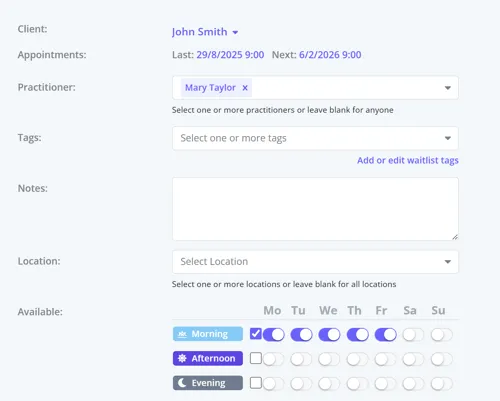
What is Client Mega Menu
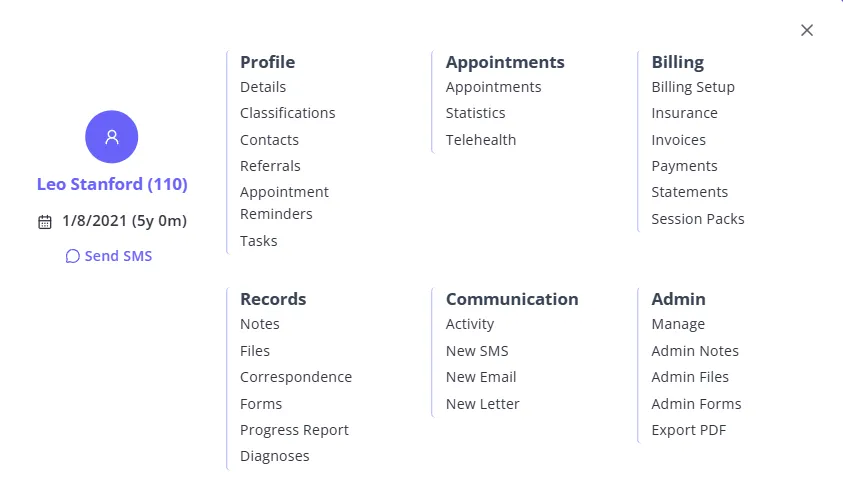
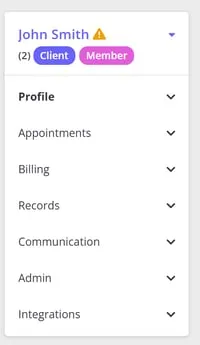
Client Mega Menu is a pop-up menu that displays
- some of the client’s personal information:
- First and Preferred Names and Last Name,
- Personal Pronouns and Identity,
- Mobile phone number,
- Date of Birth, with the client’s age shown in brackets next to it
- A quick button to start a new SMS to the client on the Messaging Panel;
- List of hyperlinks to take you to a specific page in the Client Profile.
The age shown next to Date of Birth is abbreviated: d for days (under 1 month old), m for months (under 1 year old), y for years, or y m together for a client between 1 and 17 years old (for example, 13y 9m). Clients 18 and over show years only.
Where to Find Client Mega Menu
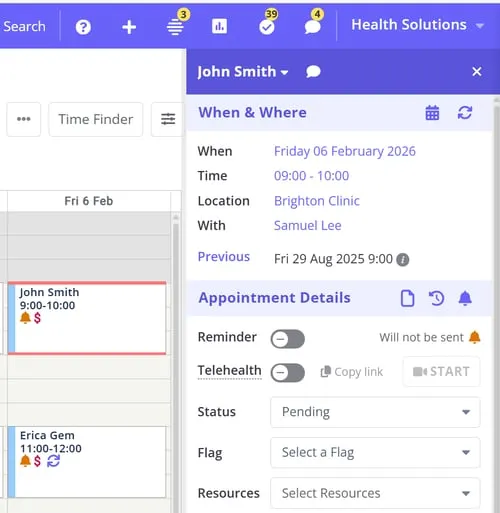
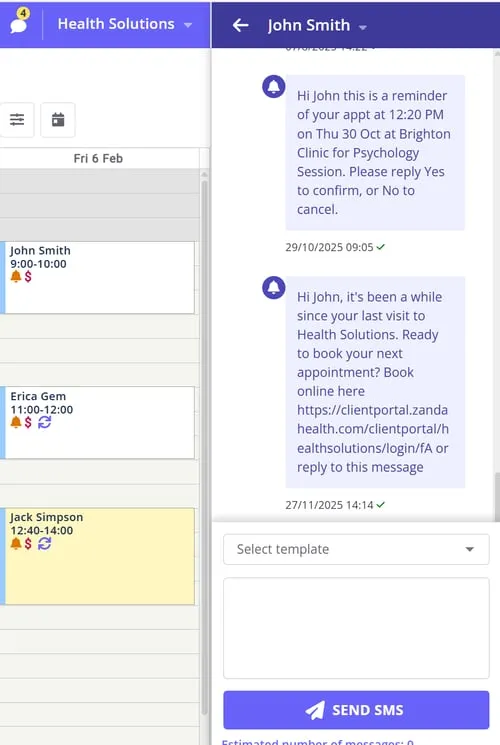
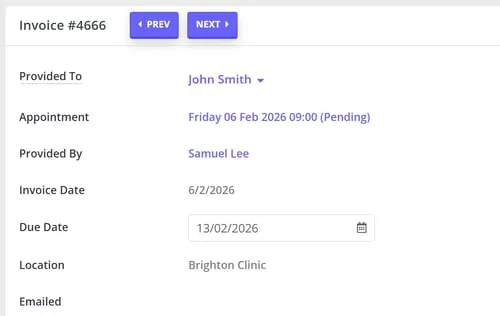
The Client Mega Menu pops up when you click on the client’s name, in the following locations in your account:
- At the top of an Appointment Panel :
- Client’s name at the top of the Messaging Panel :
- Client’s name at the top-left of the Client Profile :
- Client’s name on the Invoice Edit page:
- On the Waitlist when you open an existing waitlist client to edit: