
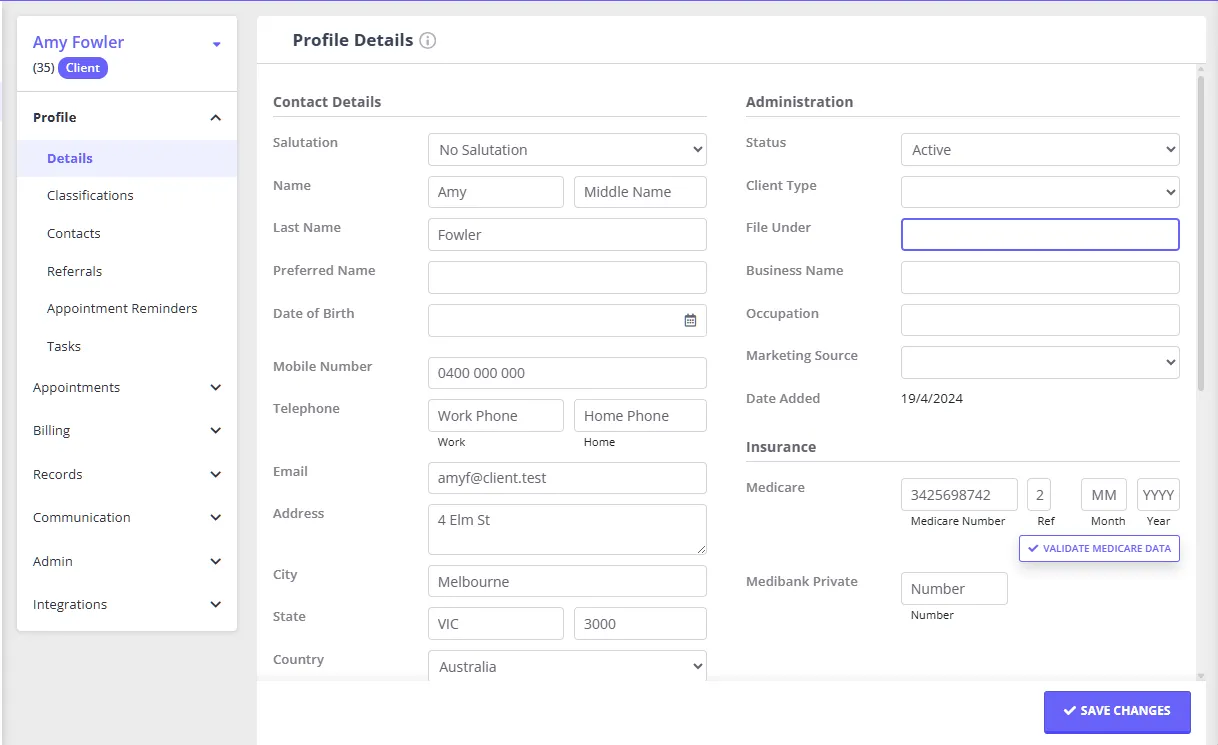
However, this field can be used for other client-specific information of your choice. It can hold up to 80 characters.
The File Under is included in the Advanced Search filter and can be used as an additional characteristic to run a list of clients in
- People > Search > Advanced search (with the matching profile type selected)
- Tools > Communication > Bulk Send
- Tools > Bulk Update
Note: In Advanced Search, File Under works only as a search filter, narrowing which clients your search returns. It isn’t one of the columns you can add to the Advanced Search results grid, so it doesn’t appear if you export those results to CSV, Excel, or PDF either. To get File Under values into a client list, see Including File Under in a client list below.
Including File Under in a client list
To get a list or export that includes each client’s File Under value, go to Tools > Data Export, choose All Data, then select Clients. The resulting Clients.csv file includes each client’s File Under value alongside their other details. See Exporting Your Data for the full export steps.