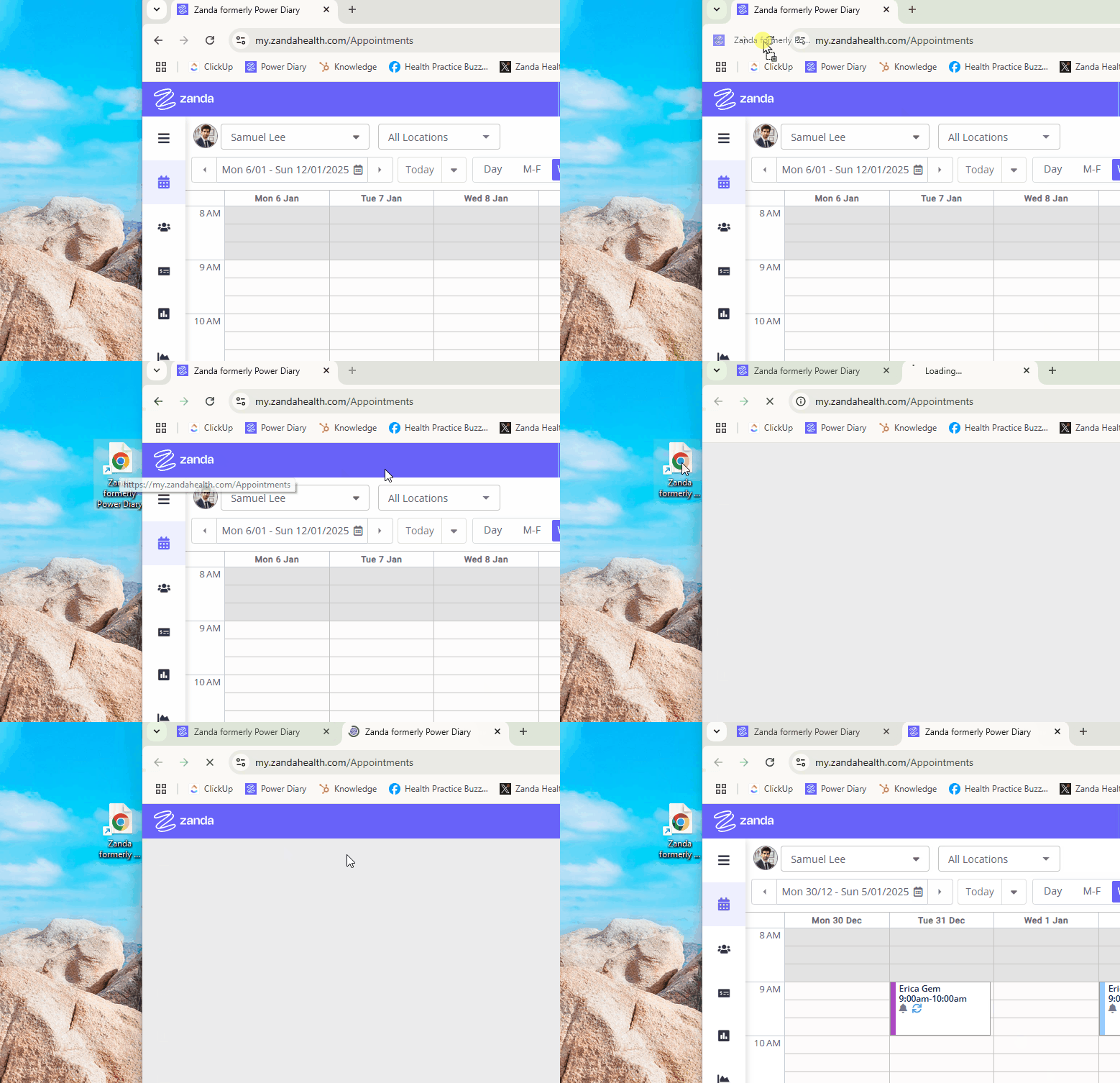
You can access your Zanda calendar in just one click by creating a desktop shortcut. Here’s how:
- Open your browser and type in your account URL link:
- For the USA and Canada: https://us.zandahealth.com/Account/Login
- For the UK: https://uk.zandahealth.com/Account/Login
- For Australia, New Zealand and other countries, type in https://my.zandahealth.com/Account/Login
- Sign into your account and open your calendar.
- Click on the icon on the left-side of the Zanda URL and drag it onto your desktop.
- Now, simply click on this shortcut and voila! Your browser will open automatically and load your Zanda calendar.