
-
To do this, click on the private icon in the top row of the calendar.
-
When it is turned on, your appointment details will get hidden.
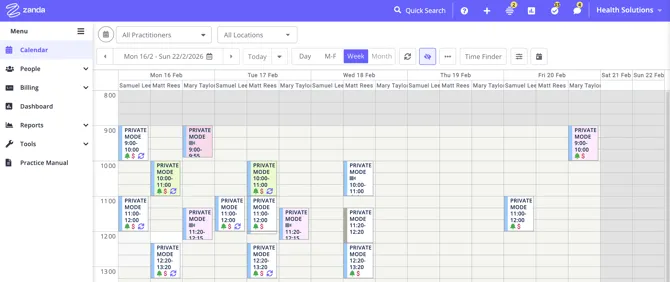
Turn on Private Mode in Zanda to hide sensitive client details on your calendar when others can see your screen, toggling it from the top-right corner.
Private mode is a feature designed to help keep your sensitive client information private. Occasionally, you might want to show availability to your clients, or the screen or monitor might be visible to clients - in these situations you'll want to hide confidential client information.
To do this, click on the private icon in the top row of the calendar.
When it is turned on, your appointment details will get hidden.
Was this article helpful?
Thank you for your feedback!