
How Much Does Practice Management Software Cost? A Complete 2026 Guide

Understanding practice management software (PMS) pricing shouldn’t feel like decoding a secret message. One software charges per clinician, another charges per appointment, and another claims to be free, but it’s really not.
It’s no wonder you searched “How much does practice management software cost?” We’re here to give you real answers.
The truth is that PMS costs vary widely across the industry.
Some platforms start around the price of a weekly coffee run; others climb quickly once you add onboarding, data migration, or essential features that somehow weren’t included in the “base plan”.
It’s confusing, and it can make choosing the right system feel riskier than it needs to be.
This guide cuts through the noise. You’ll find real pricing ranges, the fee structures most providers use, what drives costs up (or keeps them down), and how to calculate what your practice should expect to pay. We’ll also highlight how companies like Zanda approach pricing in a way that keeps you in control.
Average cost of practice management software in 2026
Let’s get straight to the numbers. In 2026, most practice management software falls into these broad pricing ranges:
- Small practices (1–5 providers): $50–$350 per provider/month
- Mid-size clinics: $300–$1,200+ per month, depending on feature depth
- Enterprise systems: Custom pricing, often $10,000–$100,000+ annually
The pricing range is wide because it can depend on several key factors: the number of users, whether you require billing or claims features, whether you’re adding telehealth capabilities, and the level of automation or analytics you desire. Integrations can also tend to nudge the price up, especially if you’re connecting multiple systems.
Most private practices fall somewhere in the first two tiers. And if you’re comparing platforms, you’ll notice that some providers charge more for essential functions that inflate your monthly fee quickly.
Zanda takes a different approach. Our pricing is affordable and transparent, with essentials included so you’re not paying extra simply to run your day.
Pricing models explained
Practice management software providers use a handful of pricing models. Some are straightforward, but others get complicated fast. Here are the details of one model, and how it affects what you actually pay.
1. Per-provider pricing
This is the most common model. You pay for each clinician using the system.
How it works:
- Monthly per provider rate
- Admin staff and other users are often free or discounted
- Price scales as your team grows
- Additional fees for add-on services, like telehealth
Good for: Small and mid-size practices that want predictable month-to-month costs.
Watch out for: Platforms that limit essential features like group appointments, reminders, and calendar sync to higher-priced plans or charge for essential integrations like Medicare or insurance claiming.
2. Per-patient or per-encounter pricing
With this model, your practice is charged based on the number of unique patients or encounters you manage each month. It’s less common than per-provider pricing.
Good for: Clinics that want pricing tied directly to usage.
Watch out for: Costs can climb quickly if patient numbers increase or fluctuate seasonally.
3. Enterprise custom pricing
Large practices with multiple locations, complex workflows, or highly-specific workflow needs may fall into custom-quote territory.
How it works:
- Pricing based on scale, integrations, and custom workflows
- Often includes service level agreements (SLAs), advanced analytics, or white-glove support
Good for: Hospitals, large allied health groups, or multi-site medical networks.
Watch out for: Long contracts, steep implementation fees, and slower onboarding timelines.
Zanda pricing
Zanda keeps pricing simple and fair.
Our plans are transparent, easy to understand, and scale as your practice grows. The Starter Plan comes in at a low, accessible cost, giving small practices full access to the features they need while they get established and gain traction. Then the Growth Plan provides fair pricing for established and multi-practitioner clinics with a per practitioner fee.
Hidden costs practices often miss
Even when the monthly subscription fee seems reasonable at first, many practice management systems layer on extra fees that only show up once you’re deep into the buying process.
These are the most common fees to watch for:
Onboarding & setup fees
Some vendors charge hundreds of dollars just to get your account live.
Setup fees may also be bundled with a mandatory “implementation package”, which increases the cost of getting started.
Zanda includes free data import and onboarding for all customers.
Training costs
Training is sometimes billed per session or per user, which means expenses climb quickly as your team grows.
It’s an easy line item to underestimate. And when training is limited or expensive, adoption slows, workflows drag, and the system never quite becomes part of your daily workflow.
Zanda never charges for support or training, and has a free Zanda Academy which can easily bring all team members up to speed at no extra cost.
Data migration fees
Moving patient details, notes, and historical files into a new system can cost anywhere from a few hundred dollars to several thousand.
The price depends on the volume, formatting, and cleanliness of your existing data. Complex exports take longer, so vendors charge accordingly.
At Zanda, data migration is free.
Integrations & API costs
If your practice connects to claiming clearinghouses, telehealth, EHRs, or external systems, you may face integration fees.
Some are one-time setup costs, while others are monthly add-ons, especially when APIs or third-party systems are involved. These fees can add up if your workflow relies on multiple connected tools for day-to-day needs.
Some systems even charge additional fees for a client portal / self-service booking tools.
There are no API, integration, or client portal fees charged by Zanda.
Contract length & early termination fees
Some software companies lock you into annual or multi-year contracts, with penalties for leaving early. Long-term commitments can be fine when the system fits, but are limiting when it doesn’t.
At Zanda, we don’t have contracts and all customers are free to leave whenever they want, with no penalties whatsoever. We believe that practices should want to use our software because of the benefits it provides, and should never feel locked in.
Where Zanda stands
With Zanda, there are no onboarding or training fees, no migration fees, and no hidden setup surprises.
You get free 1-1 calls with real people, free data migration handled by the Zanda team, and access to expert training through Zanda Academy at no extra cost.
Zanda even offers a Money-Back Guarantee, which means we only win when you do. That’s why we back our platform with a bold promise: if it doesn’t help your practice thrive, we’ll give your money back, no questions asked.
Is practice management software expensive? (The real answer)
The short answer is it can feel expensive at first—but the right system will pay for itself.
It’s easy to look at PMS pricing and see just another monthly bill. But when you break down what the software actually replaces, improves, and automates, the numbers look very different.
PMS frees up billable hours
One thing to consider when thinking about the price of practice management software is whether it reduces the time your team spends on admin, lets you see more patients (if you choose), work less hours, cuts billing leakage, or helps you get paid earlier and more reliably. The best PMS platforms will do all of this, which will more than pay for their subscription fees. Modern platforms also improve documentation with secure, AI-powered note-taking and keep your workflows running with automations for everything: onboarding new patients, appointment reminders, post-session follow-ups, invoicing, recalls, and incomplete forms.
PMS facilitates more appointments through an elevated patient experience
Great practice management software will also enhance your patients’ experience and the impression they have of you as a health practice. Self-service portals make it easy for patients to book, complete forms, pay invoices, join telehealth sessions, and stay on top of reminders. Better communication, via email, two-way SMS, or automated messages, means fewer no-shows, fewer back-and-forth calls, and more appointments actually booked.
The real value of practice management software
Although the fees for PMS can seem high at first glance, when you compare the fees against other costs of running a practice like rent, staffing, utilities, phones, security, and everyday tech, you can quickly see that PMS is one of the smallest (and smartest) monthly expenses. Especially when you consider that this software runs all of your appointments, reminders, patient notes, invoices, internal communications, and many other functions. In fact, for most practices, choosing the right software ends up being the single most valuable decision they make all year!
The return on investment of practice software
If you consider the cost of practice management software against the benefits that a good PMS can deliver, it’s usually evident that the software is more than re-paying its fees. For example, in a given month, practice management software can:
- Avoid some no-shows
- Mean you take payments earlier and avoid the expense of chasing or non-payments
- Allow you to switch to telehealth to help suit a patient and avoid a missed appointment
- Take more bookings from patients thinking about their needs after-hours
When you consider the potential benefits vs your typical fees per appointment, the monthly cost usually pales in comparison.
The one-session payback test
The cost shrinks even more when you look at it in terms of per practitioner per day. What may feel like a bigger number at the clinic level often works out to just a few dollars per person. In most cases, it’s less than the cost of a coffee per day.
When you break it down further, the return on investment becomes even clearer.
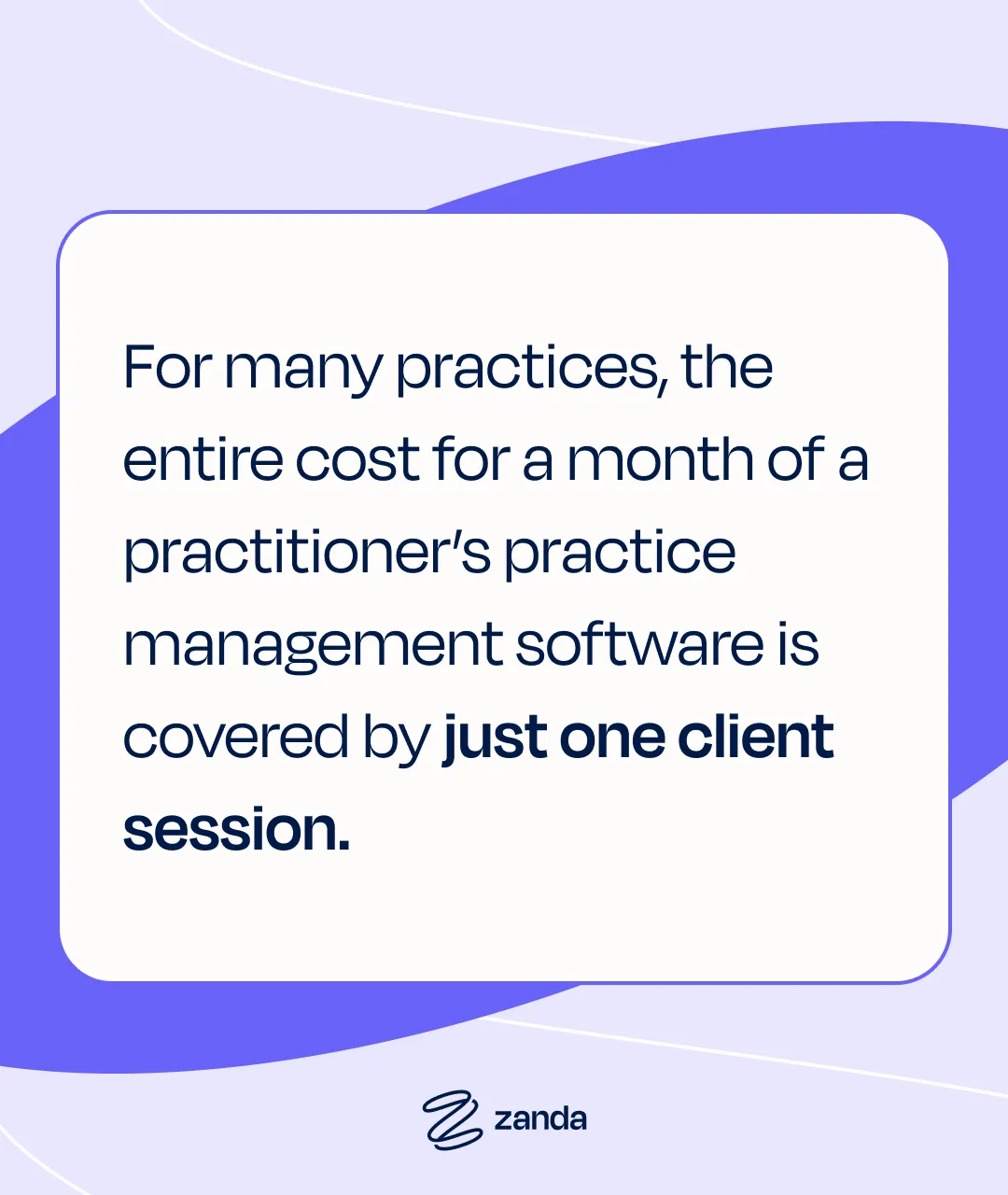
For many practices, the entire cost for a month of a practitioner’s practice management software is covered by just one patient session.
If you think of the cost of practice management software in terms of the cost per appointment, for most practices, it’s a no-brainer.
So, is practice management software expensive? Not when it’s doing its job. A strong PMS pays for itself through time saved, fewer missed appointments, smoother billing, and more patients. Without stretching your team.
Cost comparison: Small practices vs. large clinics
Different-sized practices have unique needs, and that’s exactly why costs vary so widely.
Here’s how pricing typically breaks down as practices grow:
Small practices (Solo to 5 providers)
Smaller teams often pay the least, especially if they only need basic scheduling, notes, and invoicing. Some software even comes with a free tier, although free tools usually come with limits, fewer features, charges for add-ons, and higher risks and privacy concerns.
What matters most at this size is ease of use. Simple onboarding, intuitive workflows, and minimal setup help a small practice get moving quickly without disrupting patient care.
Mid-size clinics (5–30 providers)
As clinics grow, their software needs change. Mid-size teams typically require:
- More billing and claiming features
- Dashboards and performance reporting
- Multi-user management (roles, permissions, internal communication)
- Practice manuals and internal chat for smooth team coordination
- Room and resource scheduling
- Support for multiple locations or service types
The need for these features can push practices into the mid-range pricing tier, which is higher than small practices, but still predictable when the platform scales well.
Enterprise (30+ providers, multi-location)
Some large groups need a broader, more custom setup:
- Advanced workflows
- Custom or complex integrations
- High-level reporting for leadership teams
- Stronger compliance and uptime guarantees
At this stage, pricing becomes negotiable and usually moves into multi-year enterprise contracts that reflect the scale and complexity of operations.
What Zanda offers
Zanda grows with your practice. Whether you’re a solo practitioner, mid-sized, or a multi-location clinic, you get access to the same comprehensive features. This includes forms, reminders, automations, an AI assistant, reports, and more. As your team expands, your plan simply scales with you. No waiting to unlock features. No enterprise gatekeeping.
Just one platform that supports you at every stage.
How to estimate your total annual PMS cost
Once you understand the most common pricing models, the easiest way to estimate your true annual cost is to break everything into a few core categories.
It’s a simple calculation:
Annual PMS cost = Your monthly software subscription cost + add-ons (estimated monthly usage) + monthly integration fees × 12.
Add on any costs for onboarding support and data migration for the first year.
Not every practice will need every line item every month, but this formula gives you a starting point.
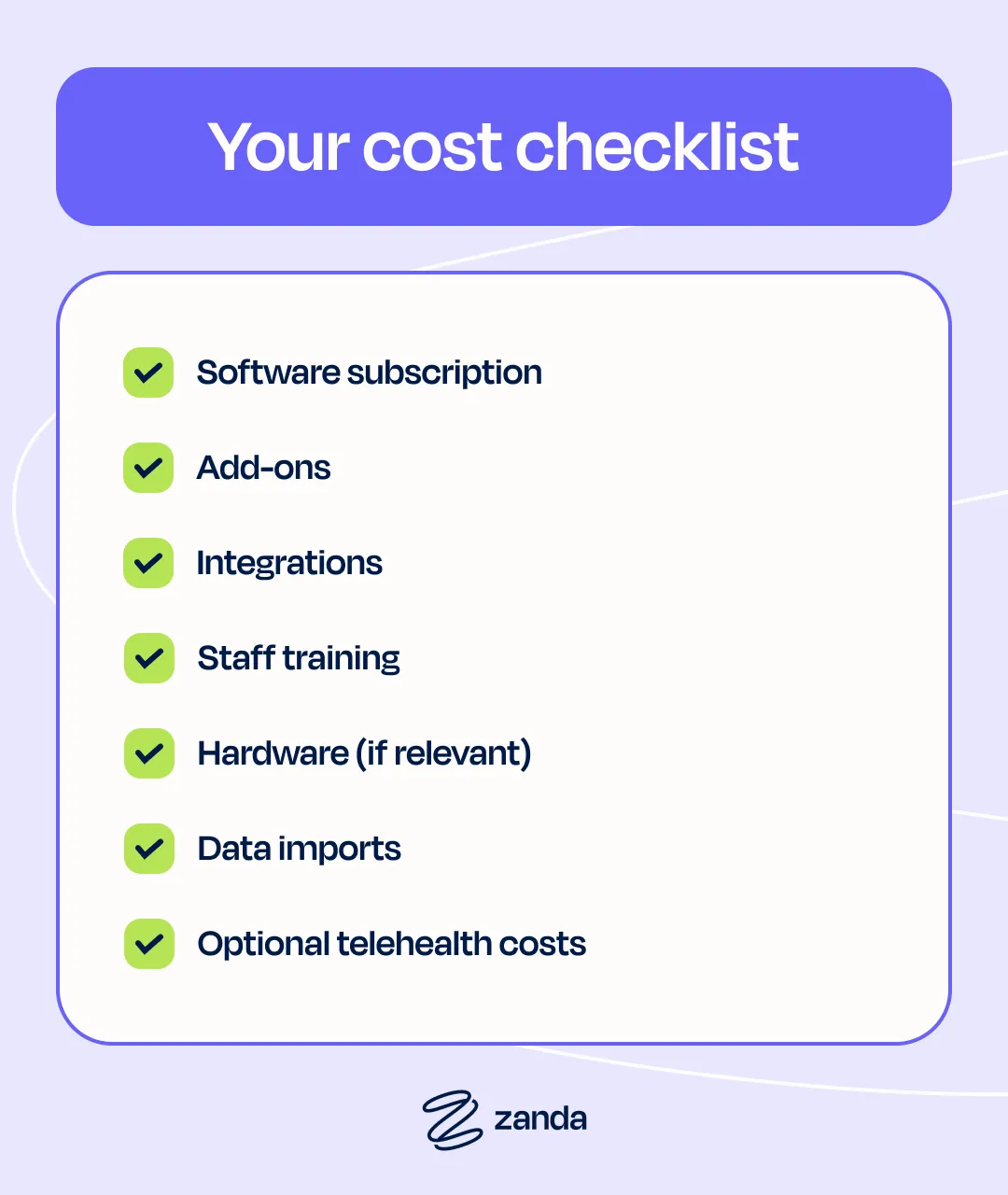
Your cost checklist
Here’s what to look out for when you’re doing the math:
- Software subscription: Consider whether it’s per provider, per encounter, or a different cost structure
- Add-ons: Features like telehealth, billing modules, reporting upgrades, extra storage
- Integrations: Clearinghouses, external apps, API access can cost extra
- Staff training: Does the platform charge for onboarding sessions, refresher sessions, or per-user training fees?
- Hardware (if relevant): iPads, laptops, scanners, payment terminals
- Data imports: Migrating patient details, notes, or historical files can be a significant cost
- Optional telehealth costs: some platforms charge per-minute or per-session fees.
Keep these in mind to ensure you get a realistic picture of what PMS will cost you over the course of a year.
How Zanda keeps pricing transparent & scalable
Zanda removes the guesswork from practice management software pricing.
There are no onboarding fees and no unexpected support charges buried in the fine print. Just a plan that scales as your practice grows, with optional add-ons that fit the way you work.
Whether you’re a solo therapist, a busy group mental health clinic, or a multidisciplinary healthcare team, Zanda gives you the same powerful features from day one. Automations, templates, BizzyAI: Write, reminders, reporting, and more are all included, so you don’t have to pay more to get the features you need.
Zanda is designed for the needs of real practices: easy to start, easy to budget for, and easy to scale when your team gets bigger. It’s a transparent, “no surprises” approach that keeps you in control.
Ready to see how it fits your practice? Take a look at the Zanda pricing page to explore your options.
FAQs
Q: What is the cheapest practice management software?
It really depends on your practice’s needs. Some tools offer free or ultra-low-cost plans, but these often come with limits on features, storage, security, and support. Or worse still, terms and conditions which mean that you give permission to share patient data! In some cases, they can work for small teams, but for most, they represent unnecessary risk and may slow you down as you grow.
Zanda is one of the most affordable full-featured options, giving practices powerful features without a premium price tag. If you’re considering free software, make sure you understand the risks. We cover those in detail in our article about the hidden risks of free practice management software.
Q: Do most PMS systems charge onboarding fees?
Many do. Onboarding fees can range from a few hundred dollars to several thousand, depending on the provider. These charges often cover account setup, workflow configuration, and initial training.
Zanda takes a different approach with no onboarding fees, so you can start without any upfront costs or surprises. Combined with our Money-Back Guarantee, this allows you to get started with Zanda and then change your mind if it doesn’t work well for your needs.
Q: Are free practice management tools reliable?
Free tools can be tempting, but there can be hidden privacy and security risks. Some rely on advertising or data-sharing models that aren’t ideal for healthcare environments.
If you handle sensitive patient information, it’s essential to choose software with strong security foundations—something most free tools simply don’t provide.
Zanda is one of the few practice management tools to be ISO 27001 certified and compliant with HIPAA, GDPR and most other leading privacy and security standards.
Q: How long does it take to switch systems?
Most practices can switch PMS platforms in a few days to a few weeks, depending on how much data they’re migrating and how complex their workflows are.
With Zanda, migration is supported by the in-house team at no extra cost, and most practices fully transition in under a week. You can also schedule your data migration to occur on a date that suits your practice best.
Ready to try Zanda?
If you’re ready to see what streamlined workflows and fewer admin hours could mean for your bottom line, start your 14-day free trial today.