
How to Choose the Right Practice Management Software

The top 7 things to look for in your practice management software
Is your allied health practice operating at its full potential?
Choosing the right practice management software can be a game-changer for your business, and that should come as no surprise. After all, it can streamline operations, elevate client satisfaction, and boost efficiency.
But with so many options available, choosing the right software can be difficult. It’s a big commitment and will have a lasting impact on your practice.
In our experience, it’s essential to choose a system that aligns with your specific needs and supports the future growth of your practice.
This is a good place to start: Decide what’s most important to you for the success and sustainability of your practice.
To help you do this, we’ve narrowed down the most important factors to consider during the decision-making process. You’re welcome!
1. Compliance with security & privacy requirements
In today’s digital age, security and privacy are paramount–especially when it comes to your practice management system. This software often handles sensitive client information, making it crucial to choose a platform that adheres to the highest security and privacy standards.
Look for third-party or independent security certifications in the software you choose. These certifications (such as ISO 27001) signify that the software has undergone rigorous testing and meets stringent security protocols.
Independent certifications verify that the software you choose is capable of protecting sensitive data against cyber threats and breaches. While it might be tempting to sacrifice this for other features, neglecting security and privacy can lead to significant issues in the future. Data breaches not only damage your reputation, but they can also lead to legal and financial repercussions.
Look for:
- ISO 27001 certification. Has the software been ISO 27001 certified by an independent, third-party evaluator?
- Compliance specific to your region. Is the software compliant with regulations such as HIPAA, GDPR, or the Australian Privacy Act?
2. Features & functionality that meet your needs
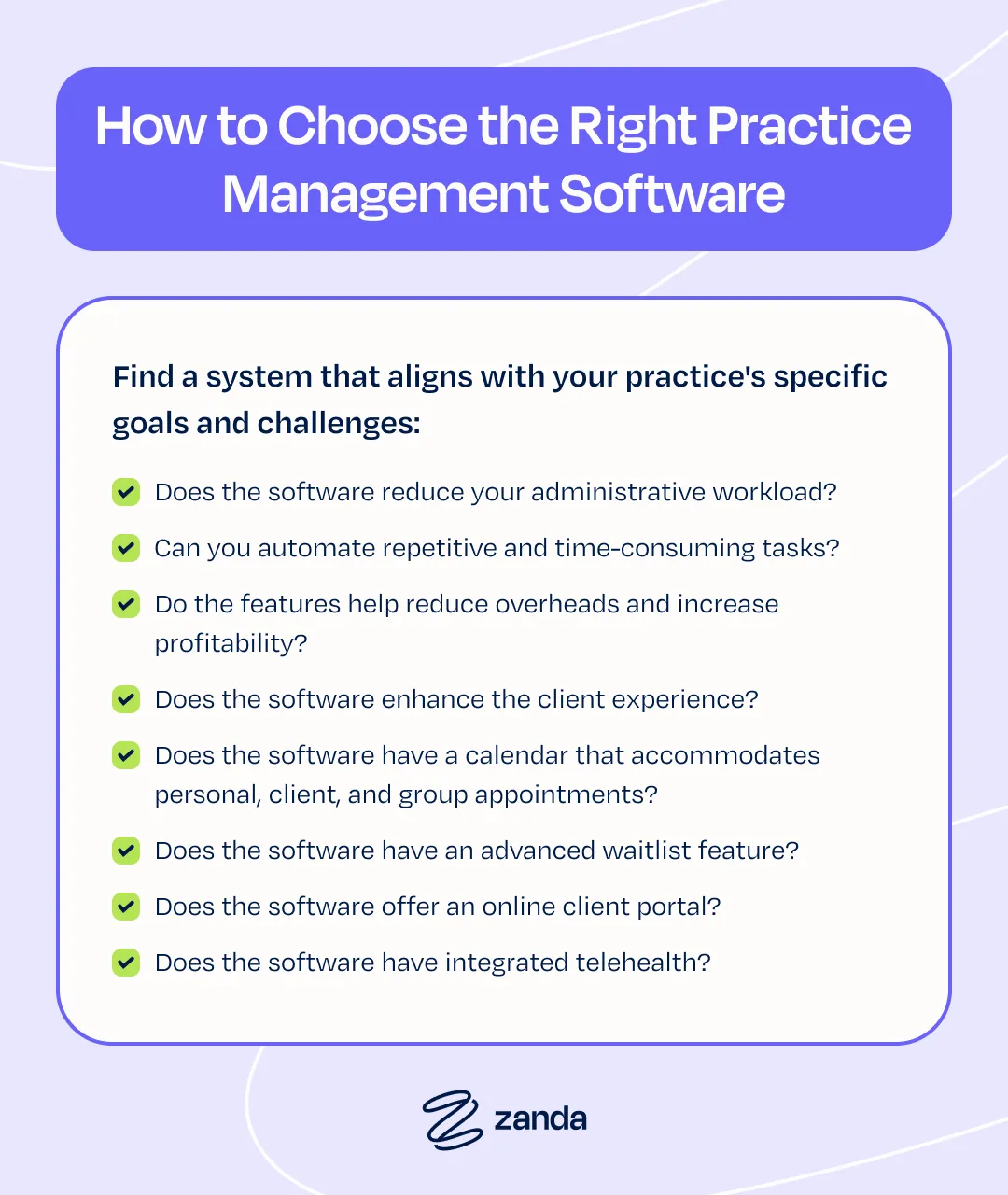
To select the right practice management software, dig deeper than just picking a popular system. Find a system that aligns with your practice’s specific goals and challenges.
Reflect on what you want it to achieve:
- Does the software reduce your administrative workload? Look for features that streamline tasks like client intake, billing, and clinical notes.
- Can you automate repetitive and time-consuming tasks? Automation capabilities can save valuable time, allowing you to focus more on client care.
- Do the features help reduce overheads and increase profitability? Efficient software can reduce unnecessary expenses and improve your bottom line.
- Does the software enhance the client experience? A system that facilitates smoother interactions can lead to higher client satisfaction and retention.
- Does the software have a calendar that accommodates personal, client, and group appointments? An intuitive calendar compatible with touch-screen devices allows for easy scheduling and rescheduling on the go.
- Does the software have an advanced waitlist feature? A system that lets you add tags, notes, and availability preferences to your waitlist enhances client management.
- Does the software offer an online client portal? The client portal should provide access to online booking, payments, and online forms, making it convenient for clients to engage with your services.
- Does the software have integrated telehealth? With the rising demand for telehealth services, ensure the software offers a secure telehealth integration for virtual consultations.
- Does the software include ready-to-go note templates for your profession? An in-platform template library will save you time from day one.
- Does the software include a Practice Operations Manual? An operations manual should include policy and procedure templates to help you run your practice efficiently and maintain compliance.
- Does the software offer 2-way SMS messaging? SMS messaging is a quick and convenient way to connect with clients.
- Does the software have built-in AI features? Consider whether your chosen platform has secure, purpose-built AI designed just for healthcare professionals.
3. Customer support
Customer support is a critical component when choosing practice management software. It’s not just about having assistance when things go wrong; it’s having ongoing support that helps ensure the software meets your practice’s needs.
Take the time to evaluate the quality and scope of the customer support offered by the software provider.
Consider whether the software offers the following:
- Free customer support: Does the software provider charge extra for customer support services? It’s important to know if support is included in your package or if it will incur additional costs.
- 24/7 availability: This is crucial for practices that operate outside standard business hours or have time-sensitive issues.
- Variety of support options: Does the provider offer multiple support channels (such as support chat, email, or video and phone calls)? The ability to choose your preferred method of communication can enhance the support experience.
- Educational resources: Look for a software provider that offers additional resources, like webinars, video tutorials, comprehensive guides, and a virtual academy. These can be invaluable for training new staff, understanding new features, and getting the most from the software.
4. Company history of operations
When evaluating practice management software, look beyond the product’s features and investigate the company’s history and operations. If you can understand the company behind the software, you’ll gain insight into its reliability, business practices, and long-term viability.
Consider these factors while researching:

- Funding and revenue model: Find out how the company is funded. If the software is free, look into how the company generates revenue. It could be by charging for additional add-on services, or other means like monetizing data. Understanding this will give you insights into a company’s business model and any potential implications for your practice.
- Ownership and independence: Determine whether the company is independently owned or if it’s influenced by outside investors, shareholders, or parent companies. This can affect the company’s decision-making process and priorities, impacting the software’s development and support in the long run.
- Software reliability: Reliability is key in practice management software. Investigate the software’s uptime history. Don’t hesitate to ask for details if this information isn’t readily available on the company’s website. A high percentage of uptime is crucial as it indicates the software’s reliability and how often you can expect it to be operational without interruption.
- Longevity and track record: Consider the length of time the company has been in operation and its track record in the industry. A company with a long, stable history will likely offer more reliable and refined software than a newer, less experienced provider.
Software companies that offer transparent access to this information tend to be more trustworthy than those that don’t. Zanda provides extensive background on its origins and founders, Paul and Damien Adler, along with easily visible customer reviews.
5. Pricing & value for money
The right software should fit your budget and offer comprehensive features that meet your practice’s needs.
If pricing is a key factor in your decision-making process, ensure you’re making accurate comparisons between different software solutions–sometimes, seemingly less expensive software ends up costing more in the long run.
Consider the following:
- Comprehensive feature set: Ensure the software includes all the necessary features for your practice. If key functionalities like automated online forms or paperless invoicing are missing, you might incur additional expenses to integrate these services separately. It’s often more cost-effective to choose software that offers a complete solution.
- Support included in pricing: Check if the software price includes free customer support. Extra fees for support can increase the overall cost of the software.
- Data management costs: Investigate if there are any additional fees for data imports and exports. Efficient data handling is essential for practice management, and unexpected costs in this area can affect your budget.
- SMS functionality and costs: If the software includes a messaging feature, understand the associated costs, including whether there is a charge to receive replies.
The value of practice management software isn’t just in its sticker price, but in how well it serves the complete range of your practice’s needs. A thorough evaluation of these factors will help you find a software solution that offers the best return on investment for your practice.
6. Data import services
Transitioning to new practice management software often involves moving existing data into the new system. This task alone can be the reason practices put off moving to another platform.
When evaluating software options, consider these factors related to data import services:
- Cost of data imports: Find out whether there are additional charges for importing your data into the new system. This can significantly impact the overall cost of switching to new software, especially for practices with large volumes of data.
- Duration of data import process: Understand how long the data import process will take. This is crucial for planning the transition and reducing disruption to your practice. A swift and efficient data transfer is ideal to ensure business continuity.
- In-house vs external data import services: Determine if the data import is handled by an in-house team or outsourced to an external company. An in-house team may offer more secure, seamless integration and a better understanding of the software, potentially leading to a smoother transition.
- Data export process and charges: Assess the process and potential costs of exporting your data from the software, should you switch systems in the future. This is an often-overlooked consideration, but it’s crucial for maintaining your data autonomy and flexibility.
A seamless data import experience is vital for a smooth transition to new practice management software. It ensures that your historical data is accurately and efficiently integrated into the new system, facilitating uninterrupted operations and client service.
Pay close attention to the data import services provided by the software, as this can impact your experience and satisfaction with the new system.
7. Customer feedback
Genuine customer reviews offer invaluable insights into the real-world performance and reliability of practice management software. If verifiable, they provide a transparent view of the software’s strengths and weaknesses as experienced by actual users–something you can’t get from product descriptions or sales pitches.
When researching potential software options, remember to:
- Check multiple review sites: Don’t rely on reviews from just one source. Explore various review platforms to get a well-rounded understanding of the software’s performance. This can include industry-specific forums, software review websites, and general consumer review platforms.
- Investigate online community participation: See if there’s an active online community related to the software, such as user forums or social media groups. Joining these communities can provide access to candid discussions, tips, and insights from current users.
- Conduct detailed user feedback analysis: Pay attention to what users say about the software. Note both the positives and the areas they feel need improvement. This feedback can be particularly revealing about the software’s usability, customer support quality, and the frequency of updates.
- Align reviews with your priorities: While reading reviews, keep in mind what’s most important for your practice. A feature that’s a deal-breaker for one user might not be as critical for your specific needs. Similarly, strengths highlighted by others might align perfectly with what you’re looking for.
So, you’ve chosen your practice management software – now what?
Now that you’ve chosen your preferred practice management software, it’s important to validate your decision through a series of steps. This is how you’ll confirm whether the system meets your expectations.
- Start a free trial: Most companies offer a free trial period. Use this time to explore the software’s features and see if they align with your practice’s requirements.
- Test out support options: Evaluate the responsiveness and effectiveness of the company’s customer support. Check if they provide timely help and multiple communication channels like support chat, email, and video calls.
- Explore the online knowledge base: Look for an extensive knowledge base with resources such as tutorials and videos. This can be invaluable for onboarding and troubleshooting.
- Join online forums or Facebook groups: Engage with other users in the software’s community forums or Facebook groups. Gauge user satisfaction, the responsiveness of the company to assistance requests, and its openness to feature improvements.
- Attend a demo: Participate in a live demo to understand the software’s functionality. Ensure the system offers the features you need and that the team can answer your questions.
- Check the company blog: Review its blog to see if it’s committed to providing educational resources and staying engaged with the industry’s needs.
- Look for money-back guarantees or contract terms: Understand the financial commitment involved. A money-back guarantee or flexible contract terms can reduce the risk of a costly mistake.
- Confirm data export functionality: Check that you can easily export your data if needed, especially if you plan to change systems or start an independent practice in the future. Ensure there are no hidden fees for exporting your data.
The difference between EHR and practice management software
The terms EHR (Electronic Health Record) and EMR (Electronic Medical Record) are often used interchangeably, but they’re two distinct concepts. An EHR is a comprehensive digital record of a client’s health history, while an EMR is essentially a digital version of a client chart.
Both EHR and EMR focus on documenting client care. In contrast, practice management software can manage everything from client records and scheduling to billing and claims processing.
Many practices operate with separate systems for EMR/EHR and administration. However, integrated software solutions like Zanda offer combined functionalities for more efficient practice management.
Conclusion
Choosing the right practice management software is a critical decision that can impact the efficiency and success of your practice. Make your choice in line with your specific needs and goals, bearing in mind that to truly understand the benefits and ensure you’re making the best decision, you should try the software and experience it firsthand.
Why not start a free trial of Zanda now? It’s an opportunity to see how Zanda makes practice management easy, with no risk and no obligation (no credit card required).
Take the first step towards a more efficient practice and start your free trial today!