
Real-World Security Tips for Health Clinics

Healthcare data security is evolving fast, driven by increasing attacks, tighter regulations, and the rise of AI-powered tools. Clinics that build strong safeguards into daily routines don’t just stay compliant; they protect client trust and keep the business running smoothly.
In the Health Practice Buzz webinar, Think Like a Hacker, Act Like a Pro, Zanda Co-founders Damien Adler (Head of Customer Success) and Paul Adler (Chief Technology Officer) explored what effective security looks like in today’s healthcare practices. They discussed why privacy is central to clinical operations, how Zanda aligns with global standards, and the most secure ways to use the platform in daily practice.
Their message is simple: practices can do a lot to prevent healthcare data breaches without costly overhauls. Real protection comes from consistent, everyday habits built into systems and staff routines.
This article shares practical ways healthcare teams can safeguard information, reduce risk, and embed security into operations. Each section contains a link to the relevant segment of the Health Practice Buzz webinar, so if you’d like to hear straight from Damien and Paul on any of these tips, just click the link!
Why security matters in healthcare
Cybersecurity is both a compliance obligation and a foundation for patient trust.
”Think of your practice like your house. You wouldn’t just lock the front door and leave the windows wide open. Security works best when you close all the entry points.” Damien Adler, Zanda Co-founder & Head of Customer Success
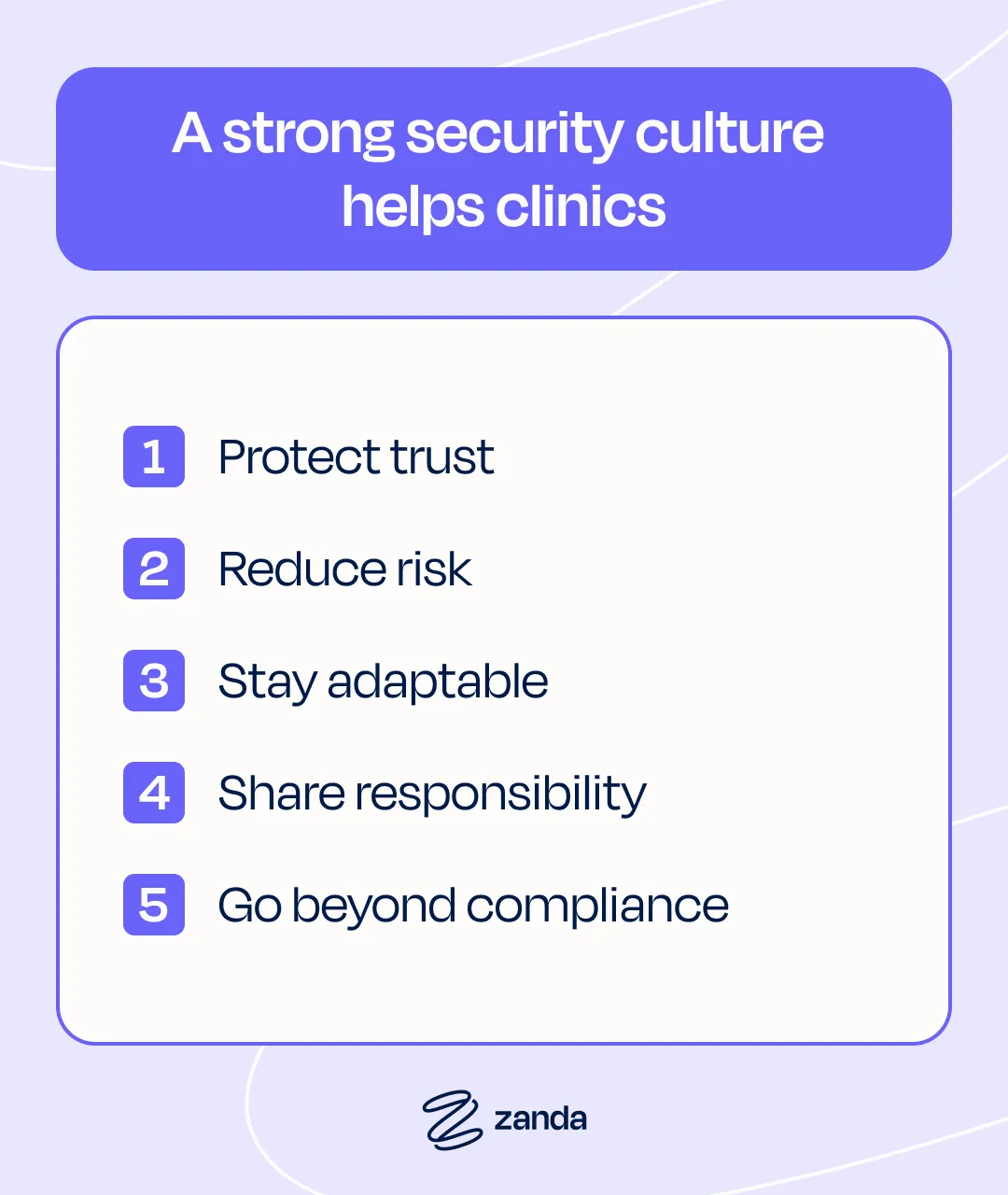
A strong security culture helps clinics:
- Protect trust: Patients share personal details expecting privacy. Safeguarding that trust reinforces confidence and care quality.
- Reduce risk: Good security prevents costly interruptions and reputational damage.
- Stay adaptable: Cyber threats evolve constantly. Awareness and quick action keep clinics resilient.
- Share responsibility: Security is everyone’s job, from clinicians to admin teams.
- Go beyond compliance: Regulations set minimums. Great clinics raise the bar with training, vendor checks, and stronger access controls.
For more details about why security matters in healthcare, check out the Health Practice Buzz webinar.
Legal and regulatory foundations
Privacy frameworks can feel like alphabet soup (think HIPAA, GDPR, and APPS). But, they all share one goal: protecting individuals’ data. For healthcare practices, the importance of cybersecurity goes beyond protecting data; it carries significant regulatory and compliance implications for every provider.
At Zanda, we’re serious about security. Our systems are independently ISO 27001 certified (the global benchmark for information security management), and compliant with HIPAA, GDPR, CCPA, The Privacy Act, and more.
Regular third-party penetration testing, audits, and vulnerability scanning means that with Zanda, your practice benefits from enterprise-level protection without the enterprise-sized headache (and expense).
For more details about legal and regulatory foundations, check out the Health Practice Buzz webinar.
Common risks in practice settings
”Most breaches aren’t the work of elite hackers—they happen because of small, preventable mistakes. Security is less about expensive tools and more about simple, everyday habits.” Damien Adler, Zanda Co-founder & Head of Customer Success
Here are some most common weak spots:
- Human error: Sending the wrong attachment, forgetting to log out, or clicking a suspicious link.
- Phishing and social engineering: Fake password resets or payment requests that trick staff into sharing details.
- Lost or stolen devices: Unprotected laptops or phones that expose data instantly.
- Weak or shared passwords: Reused or generic logins that make tracking access impossible.
- Third-party software: External tools or plugins that introduce unseen vulnerabilities.
For more details about common risks in practice settings, check out the Health Practice Buzz webinar.
How to spot phishing emails
Phishing remains one of the easiest ways attackers infiltrate clinics because it targets people, not technology.
Look out for:
- Fake password resets or urgent invoices
- Spelling errors, mismatched URLs, or strange sender addresses
- Subtle typos, like “PayPaI” with a capital “I” instead of a lowercase “l”
These emails rely on panic. Slow down before you click. Hover over links to check destinations and verify requests through another channel, such as a quick call.
Encourage your team to Stop. Check. Report. One small pause can prevent a major breach.
For more details about phishing, including examples, check out the Health Practice Buzz webinar.
Understand social engineering
If phishing is the bait, social engineering is the hook. Attackers manipulate people into sharing access or information by exploiting trust and urgency.
Typical examples include:
- A fake IT technician asking for password resets
- A “patient” requesting urgent record details
- Someone posing as a regulatory body requesting verification
People want to be helpful, so attackers play on authority or empathy. Teach staff to verify before sharing information, even internally, and to report anything that feels suspicious without fear of blame.
For more details about social engineering, including examples, check out the Health Practice Buzz webinar.
What you can do: healthcare cybersecurity best practices
Here are a few areas where you can quickly implement healthcare cybersecurity best practices.
System-level protections
Strong security doesn’t have to be complicated.
Most breaches can be prevented with a few smart habits that make your systems harder to attack and easier to manage:
- Enable two-factor authentication (2FA): Activate 2FA to add an extra layer of protection on all systems.
- Use strong, unique passwords: Rely on password managers to simplify this.
- Keep software updated: Update patch vulnerabilities before attackers find them.
- Install antivirus and firewalls: Especially for devices that leave the clinic.
- Limit admin permissions: Restrict who can install software or change settings.
For more details about system-level protections, check out the the Health Practice Buzz webinar.
Device and physical security
Health practitioners know cybersecurity isn’t only about software. A clinic’s data can be just as vulnerable through an unlocked laptop, an exposed printer, or a misplaced file as it is through a phishing attack.
Digital security means little if devices are left unlocked or files are easily accessible.
To help ensure device and physical security:
- Password protect all screensavers and use phone locks.
- Secure laptops located in shared spaces
- Store portable devices safely.
- Keep patient files and printouts out of public view and use a shredder for disposal.
- Protect Wi-Fi with strong passwords and private networks for staff.
For more details about device and physical security, check out the Health Practice Buzz webinar.
Staff awareness and security culture
Technology alone can’t protect a clinic. The real strength of any security system lies in the people who use it every day. When staff understand what’s at stake and feel confident about what to do, security stops being a checklist and becomes part of your culture.
”Technology can put strong locks on the doors, but if the password is written on a sticky note, those locks don’t matter. It comes down to how people use the tools.” Paul Adler, Zanda Co-founder & Chief Technology Officer
To encourage ownership in your team:
- Keep the conversation going: Talk about security in team meetings, not just during onboarding. Share examples of phishing attempts or privacy news stories, and discuss what your team would do in those situations.
- Remind staff that their actions are logged and reviewed: This is done, not to monitor them, but to protect the practice and its clients. Transparency builds accountability, and accountability builds trust.
- Encourage safe behaviors, not shortcuts: It’s easy for people to reuse passwords, click links without checking, or share logins “just this once.”
- Consider background or police checks: For roles that handle sensitive data, run a background check on candidates as part of your hiring process.
For more details about staff awareness and security culture, check out the Health Practice Buzz webinar.
Communication with patients
The way you share updates, send documents, or reply to enquiries from clients can either strengthen your security or quietly introduce risk.
Every interaction with patients should protect privacy:
- Use encrypted portals.
- Avoid using personal emails or phones for clinical contact.
- Keep your website and forms encrypted (SSL) and restrict admin access.
- Use systems designed for healthcare.
For more details about communication with patients, check out the Health Practice Buzz webinar.
Third-party provider interactions
Even the most secure clinic depends on technology partners. From accounting software to cloud storage and client portals, third-party providers form part of your security perimeter. If they have access to your data, their weaknesses can quickly become your own.
Ask each provider:
- What certifications do you hold, such as ISO 27001?
- Do you perform independent penetration testing?
- Where is our data stored and who can access it?
Ensure contracts and data processing agreements are current and reviewed annually. Remove access when projects end. Reliable vendors are transparent, if they can’t answer security questions clearly, that’s a warning sign.
For more about the role of key technology providers, check out the Health Practice Buzz webinar.
Establish ongoing security protocols
Security isn’t something you set up once and forget. It’s a continually evolving aspect of your practice that needs regular attention to stay effective.
Your practice should:
- Schedule annual reviews: Treat it like a check-up for your clinic’s systems. Review your policies, confirm that software and devices are still up to date, and make sure old accounts or integrations have been removed.
- Rotate passwords and audit access yearly: People come and go and roles change, so this simple step prevents old logins from becoming back doors.
- Monitor updates from industry bodies and privacy commissioners: They often release practical guides and alerts about emerging threats. A few minutes spent reviewing new advice can save hours of cleanup later.
For more details about ongoing security protocols, check out the Health Practice Buzz webinar.
Understand the role of key technology providers
Behind every successful clinic is a network of reliable technology providers. Your electronic health record (EHR), patient portal, and communication systems are the backbone of your daily operations, so choosing partners who take security seriously is essential.
Look for:
- Secure-by-design: These are providers that follow an approach where security is built into every stage of product development rather than added on as an afterthought. It also means they’re proactive about testing, monitoring, and improving—not just reacting when something goes wrong.
- Certifications and audits: Ask providers about their security certifications and audits. Standards like ISO 27001 show that a company follows strict, independently verified protocols for managing and protecting information.
- How often they undergo penetration testing or external vulnerability assessments: Trusted partners will be transparent and happy to share this information.
- Borrowed credibility: Where a provider says “our host is certified” but hasn’t earned that certification themselves.
Zanda systems are independently certified to ISO 27001, supported by a dedicated team of security and data protection officers, and continually reviewed through external audits and monitoring. Our goal is to give you peace of mind so you can focus on your patients, knowing the technology behind your practice is safe and dependable.
For more details about the role of key technology providers, check out the Health Practice Buzz webinar.
Smart use of Zanda in your practice
Zanda is built to give every clinic strong protection without adding friction to your day. With a few quick habits, you can get the most out of those features and keep your data safe.
Give each team member their own unique user account
Zanda doesn’t charge extra for additional admin users, so there’s no reason to share logins. This keeps your audit trail clean and makes it easy to remove access when someone leaves.
Enforce two-factor authentication (2FA)
It only takes a minute to set up and adds an extra layer of protection against stolen passwords. Activate 2FA in your account settings.
Use role-based permissions
This controls what each staff member can see and do by setting up different reception/admin permissions, practitioner permissions, and accountant permissions.
For example, receptionists don’t need access to financial reports, and accountants don’t need clinical notes. This keeps your data organized and limits the impact of unapproved access.
Turn on privacy mode
Use privacy mode whenever you’re sharing screens or working in public areas. It instantly hides sensitive information while keeping your workspace functional.
Always log out
Make it a habit to log out when you step away from your desk and to deactivate accounts that are no longer in use.
Spot-check your activity logs
Check your activity logs from time to time. They’re easy to review and can help you spot unusual activity early on.
For more details on using Zanda securely, check out the Health Practice Buzz webinar.
Resources and next steps
Good security comes from consistent habits and the right tools. Start by watching the full Health Practice Buzz security webinar with your team.
Every clinic, regardless of its size, can establish a strong security foundation. It’s not about having the biggest IT budget; it’s about smart, steady action. Combine secure practice management software with strong habits, and security becomes part of how your clinic runs every day.