


Secure Clinical Notes Software for Healthcare Professionals
Simplify documentation and client management with intuitive tools trusted by practices worldwide.
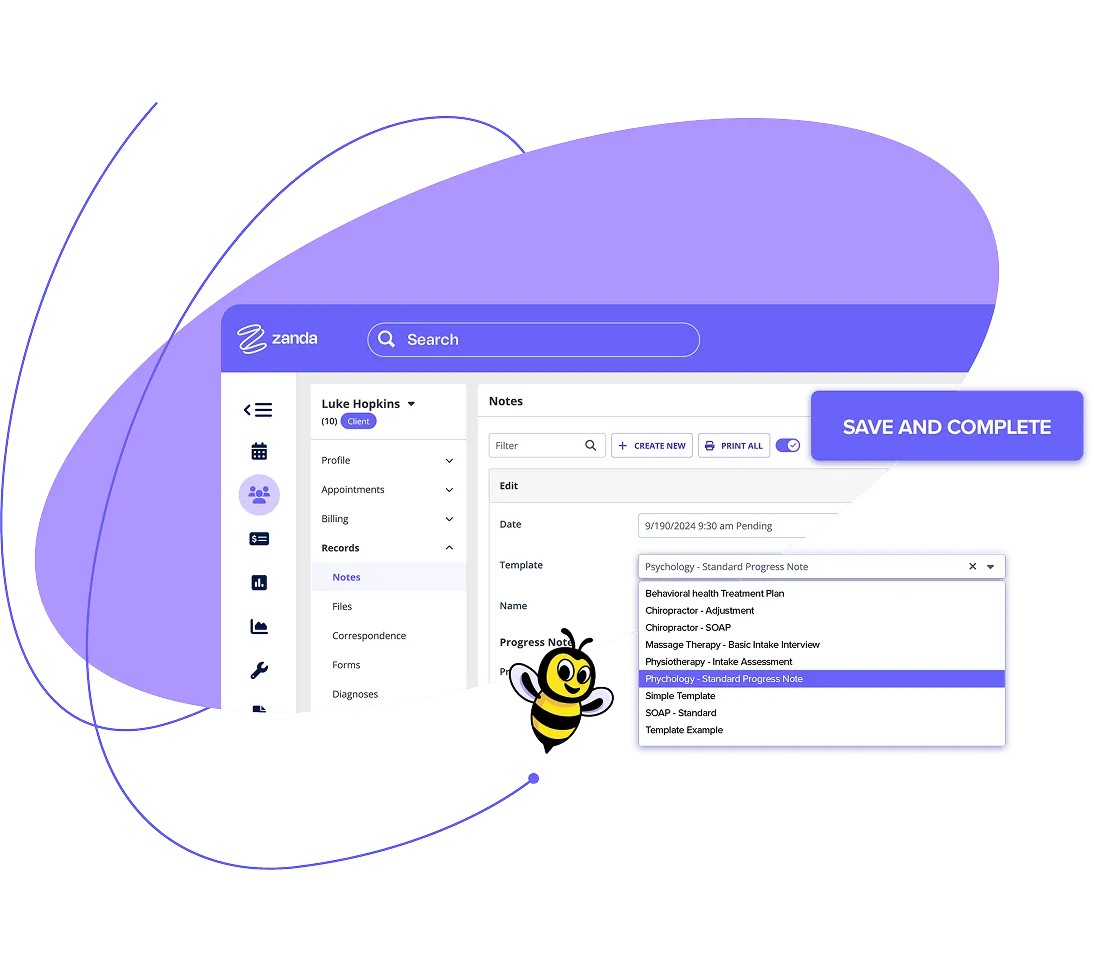
Choose a clinical note template or create your own
Documentation that fits your practice. Start with our ready-made therapy note templates and adapt them to meet your needs, or design your own from scratch.
Add checkboxes, dropdowns, and free text fields to capture what you need, ensuring every note reflects your clinic's workflow. Create as many custom templates as you want, configured for any treatment or session.
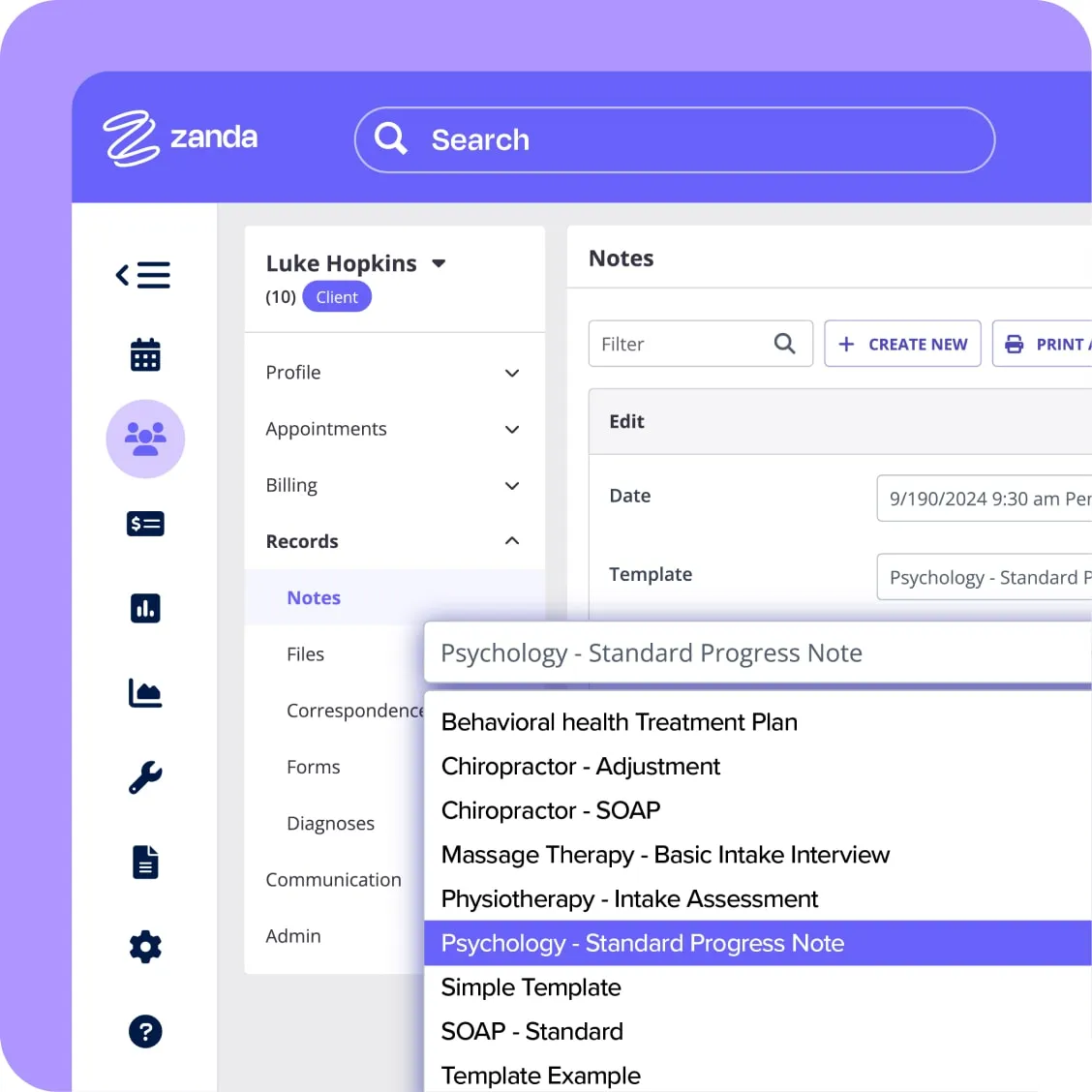
Set up treatment notes to suit your practice
Text fields
Add open-ended text fields to document important aspects of treatment such as condition, recommended treatment plans, or other unstructured observations.
Single choice, multiple choice, & tick boxes
Include single and multiple-choice questions and answers to gather structured data. Use dropdowns, radio buttons, or checkboxes to simplify how you record assessments, progress tracking, or standardized responses.
Note sections
Keep your notes clear and organized with dedicated sections. Separate details like client self-assessments, your evaluations, treatment plans, and prescribed medications to make finding information fast and easy.

Image & body charting with annotation
Enhance your notes with annotated visuals. Use standard body charts or upload custom images, then mark them up with arrows, text, or freehand annotations.
Note template preview
Preview your templates in Data Entry Mode to ensure they're user-friendly and ready to go. Switch between Design Mode (to preview your design), Data Entry Mode (to preview what you'll see when entering data), and Data View Mode (to preview what you'll see when data is finalized and completed on record).
Custom note templates
Configure templates for every need–initial consultations, follow-ups, specific conditions, or client types.
Write treatment notes faster
Zanda users create
1,000,000+
session notes every month
Write and scroll
Zanda users create
1,000,000+
session notes every month
Create new notes while scrolling through previous entries.
Duplicate previous notes
Zanda users create
1,000,000+
session notes every month
Save time by duplicating an earlier note and editing directly from the template–no need to start from scratch.
View edit history
Zanda users create
1,000,000+
session notes every month
Track every update with a full edit history.
Note filter
Zanda users create
1,000,000+
session notes every month
No more digging through records–locate important notes in seconds.
AI-powered assistant
Zanda users create
1,000,000+
session notes every month
Finish clinical notes in minutes, not hours, with [BizzyAI](https://zandahealth.com/features/bizzyai/)–secure AI purpose-built for healthcare.
Never lose track of your therapy notes
Keep your notes safe and secure. The autosave feature ensures your work is protected, even if your computer crashes or the WiFi drops. Need to make updates? Draft mode lets you freely edit or revise notes until they're finalized.
Once the note is finalized, click “Save and Complete” to lock the note. Locked notes can only be edited by those with necessary access rights, safeguarding documentation from tampering or accidental changes. Not ready to finalize? Simply save it as a draft and revisit it whenever you're ready.

Why health professionals trust Zanda for practice management
Efficient practice management starts with the right tools. Zanda provides everything allied health professionals need to manage their clinics with confidence.
Less time on admin
Cut down on admin and focus on care. From scheduling and billing to treatment notes and operations, every feature is designed to save time and keep your clinic running smoothly. Save 5 hours per week with BizzyAI.
Try BizzyAIWork from anywhere, anytime
Stay connected to your clinic wherever you are. Review schedules, handle billing, and update treatment notes from your mobile, tablet, or desktop, knowing your data is secure and up-to-date.
Explore telehealth optionsISO 27001 security certification
Keep data secure with ISO-certified protection. Zanda meets the world's highest standard for information security management, ISO 27001, ensuring your patient data is safely stored and fully compliant with healthcare privacy laws.
Our security certificationsThe better way to grow your clinic
Zanda makes managing your health practice more rewarding, with tools that simplify daily operations and resources that support long-term success. You'll also join an active community of allied health professionals and gain access to free webinars, tutorials, and articles designed to help your clinic flourish.
Explore Zanda AcademyStraightforward data migration
Switch to Zanda without missing a beat. Our data migration service ensures your client records, appointments, invoices, and more are imported quickly and securely. You own your data and can export it anytime.
Learn about migrating your data to ZandaUnlimited free support
Our support team is available seven days a week. Whether you contact us via support chat, email, or schedule a phone or video call, you'll get friendly, expert assistance that helps you make the most of your practice management system.
Book a call with our support teamFree Practice Operations Manual
Every Zanda account includes a comprehensive Practice Operations Manual, packed with over 100 expert-written policy and procedure templates to help keep your practice running smoothly.
Explore the Practice Operations ManualValue for money
From solo practitioners to large clinics, our pricing is designed to support health professionals at every stage. Affordable and transparent, it gives you access to the features you need while keeping costs manageable.
See pricingNo contracts & Money-Back Guarantee
Choose the plan that fits your practice. Zanda gives you the freedom to upgrade, downgrade, or cancel whenever you need–no long-term contracts, no restrictions.
Our Money-Back GuaranteeSee what practitioners say about our secure clinical notes
Professions we serve











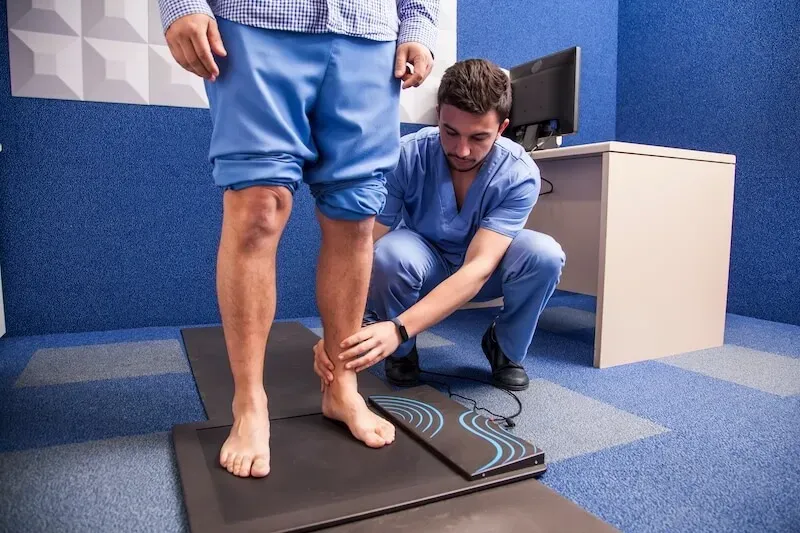





Zanda is trusted by 44,000+ users worldwide