




Fast, Free, and Seamless Data Migration
It’s easy to move your data to Zanda. Our team is dedicated to ensuring your transition is smooth and worry-free.
Begin the Data Import Process
It’s Easy to Import Your Data with Zanda
Our goal is to make your transition to Zanda as seamless as possible. That’s why we offer a fast and free data import service led by our expert Data Import Specialists. They’re your dedicated partner every step of the way.
Moving to a more efficient system shouldn’t put stress on your resources. That’s why we offer our data import service at no extra cost!
Our Promise: Simplicity and Security
We manage the technical aspects of your data migration, leaving you free to focus on what matters most: your clients and your practice.

Enjoy a seamless transition with minimal disruptions to your day-to-day operations

Our data import process guarantees accuracy, speed, and confidentiality

Our in-house team of expert Data Import Specialists is ready to assist you

How to Migrate to Zanda
We’re committed to delivering a stress-free experience that ensures the integrity of your data.
Initiate the Conversation – optional
The process begins when we receive your Data Import Request form. Our team will contact you within two business days and communicate further as needed to understand your requirements and expectations. Our guide: General Importing Guidelines will walk you through the process.
If needed, our Data Import Team can collaborate with you to plan and execute your data import to align with your specific requirements and timing. We can meet with you (virtually) upon request to work through the logistics of your migration and answer any questions you have.
Prepare Your Data
If you’re migrating from another system, please check here to see whether we have documented information specific to your current system. These articles will provide you with information, including but not limited to:
- What we can import
- How to extract your data from your current system
- Important learnings
If your current system isn’t mentioned here and you’re unsure how to extract your data from your current system, we recommend that you contact your current system’s support team to request guidance on how to extract your data, as they’re in the best position to assist you.
Share Your Data with Us
Ready to migrate or switch systems? To share the data that needs to be imported:
Upload Your Data

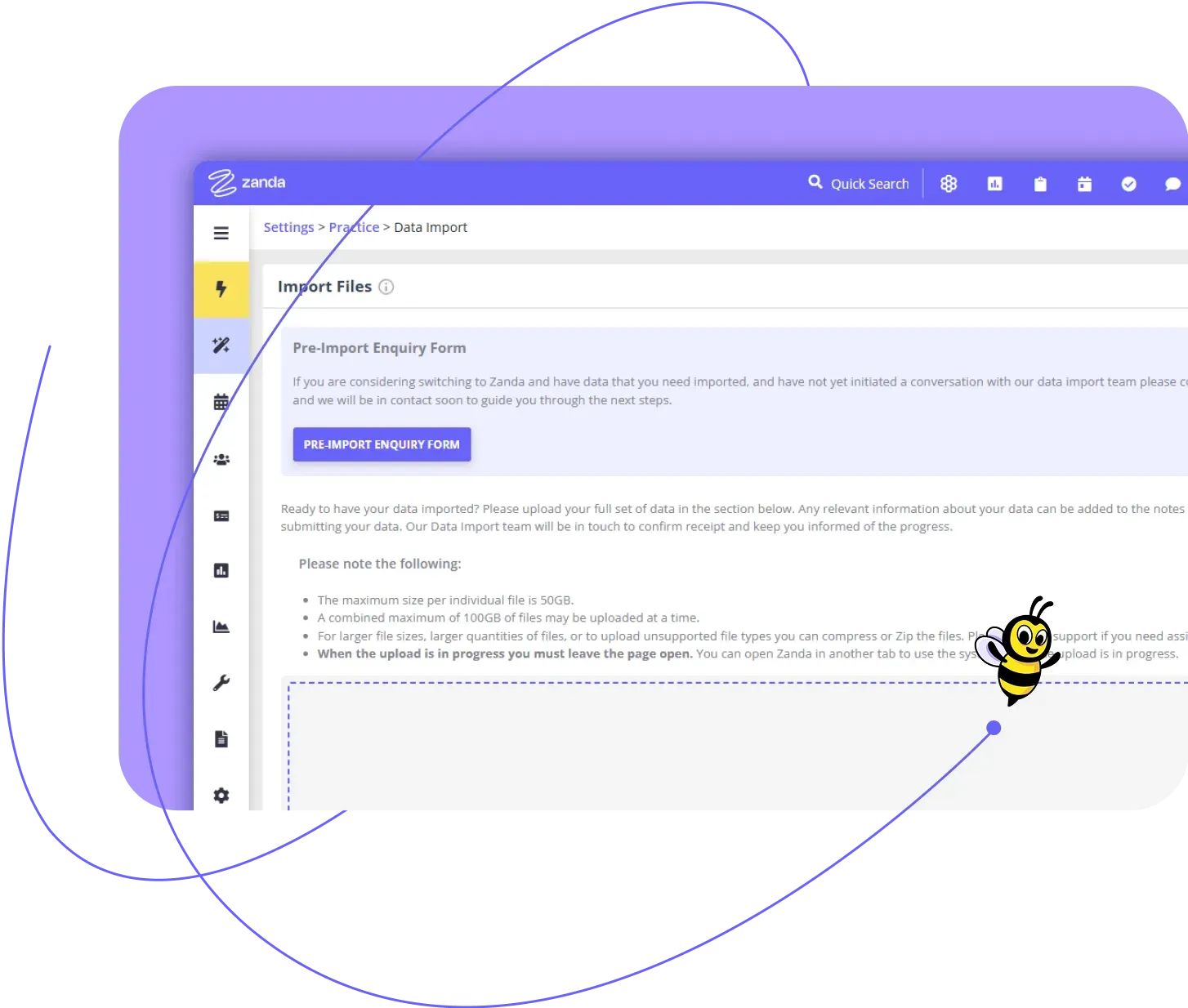
Log in to your Zanda account and navigate to the main menu. From there, go to Setup > Data Import, and upload all the files you want to be imported. Our Data Import Team will then be notified that your data is ready to be migrated to your account.
Package Your Data
If you have more than two or three data files, please zip your data before uploading it. This will ensure that your files are securely packaged and everything comes through to us. For more comprehensive guidelines and troubleshooting, click here.
Add Additional Information
Please add a message to the Data Import Team if there is anything specific you need them to know about what should be imported or left out, or any other important notes.
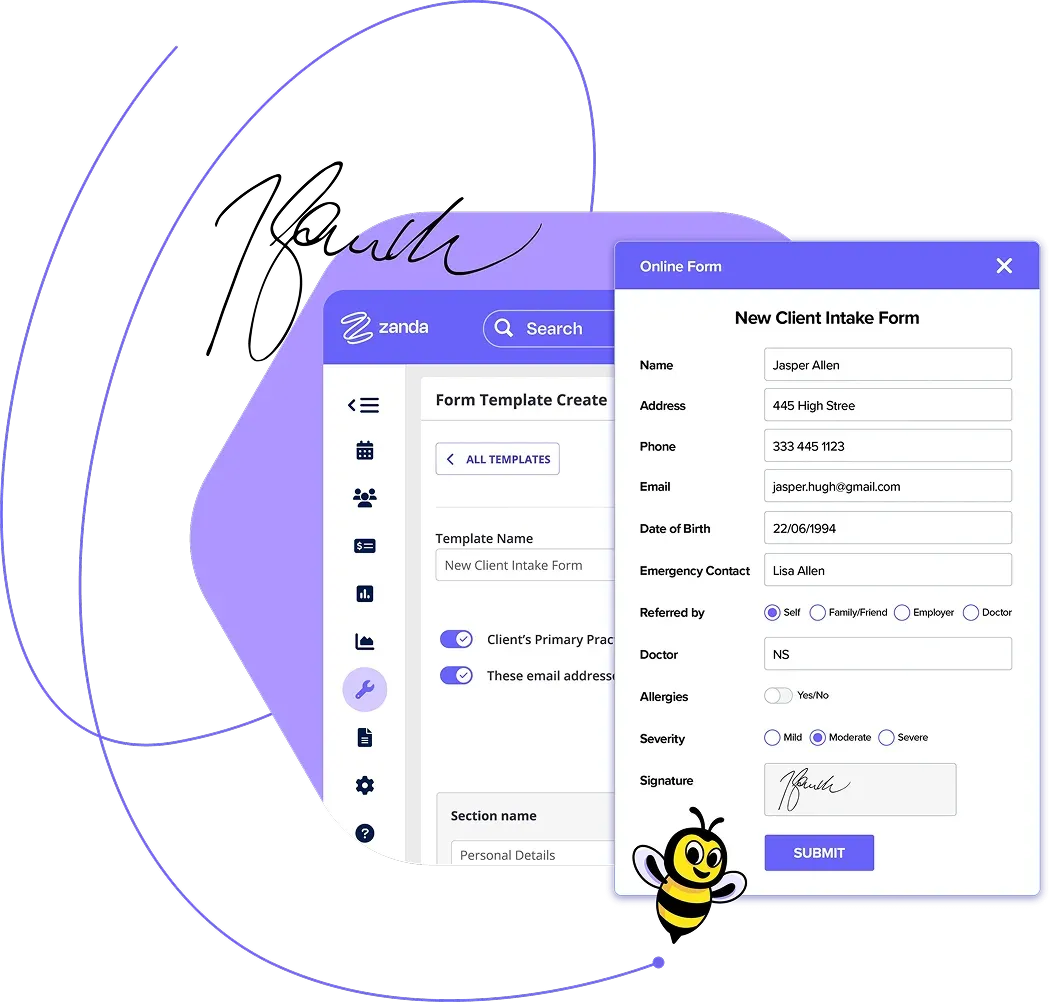
Migrate Your Data
Our experienced Data Import Specialists will take it from here. They cleanse, transform, and then import your data to your new Zanda account, maintaining strict accuracy and confidentiality throughout the process.
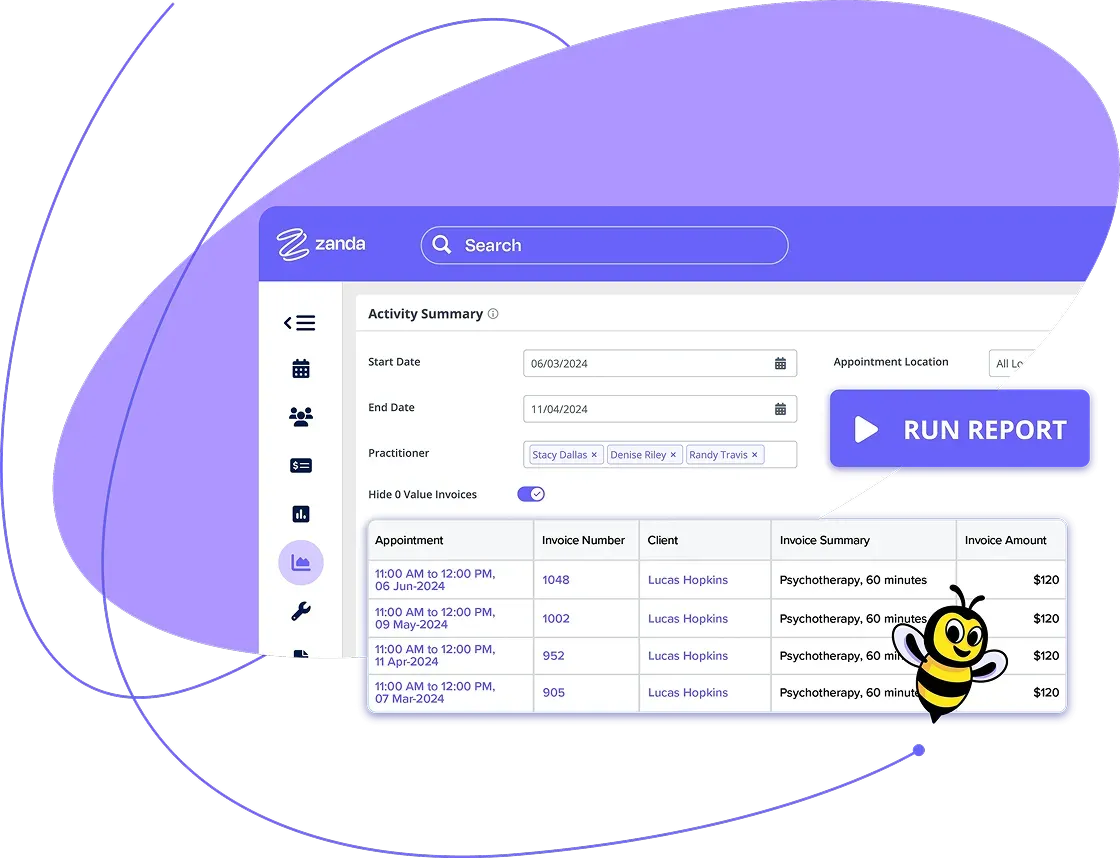

Quality Assurance
Once we’ve successfully migrated your data, we conduct a thorough review to ensure its integrity and accuracy.

Final Delivery
After we’re satisfied with our quality check, we’ll inform you that your data has been successfully imported into your Zanda account. You’ll then review and confirm the results, and let us know if anything is not as expected.

Ongoing Support
Our commitment to you continues after the data import. We provide free customer support to ensure you’re getting the most from Zanda.
What Types of Data Can You Migrate?
When we say ‘comprehensive’, we mean it. We’ll transfer as much data as possible from your current system to Zanda.
Depending on the format and the content of the data provided, we’re typically able to import the following data into your account:
- Client Details
- Client Tasks
- Appointments
- Clinical & Admin Notes
- Services
- Products
- Referrers
- Referrals
- Contacts
- Third Parties (Billers)
- Communications (SMS, Letters, & Emails)
- Documents & Files
- Financial Information*
What we can import is dependent on what you’re able to export from your current system. If any data is of particular importance to you to have imported, please let us know. Our Data Import Team can check your files and try to locate that data to determine if it’s viable for import.
We know that your clients’ data is the lifeblood of your practice. Safeguarding this information during the transfer is our first priority. All necessary details like contact information, appointment histories, clinical notes, and more can be securely transitioned to Zanda.
Maintaining your financial records is crucial for seamless business operations. We work to transfer invoice histories, payments, and financial records wherever possible.
We understand the importance of maintaining an accurate record of client-specific documents. Our Data Import Specialists can assist in bulk uploading these documents, ensuring they’re ready for you to access when you need them.
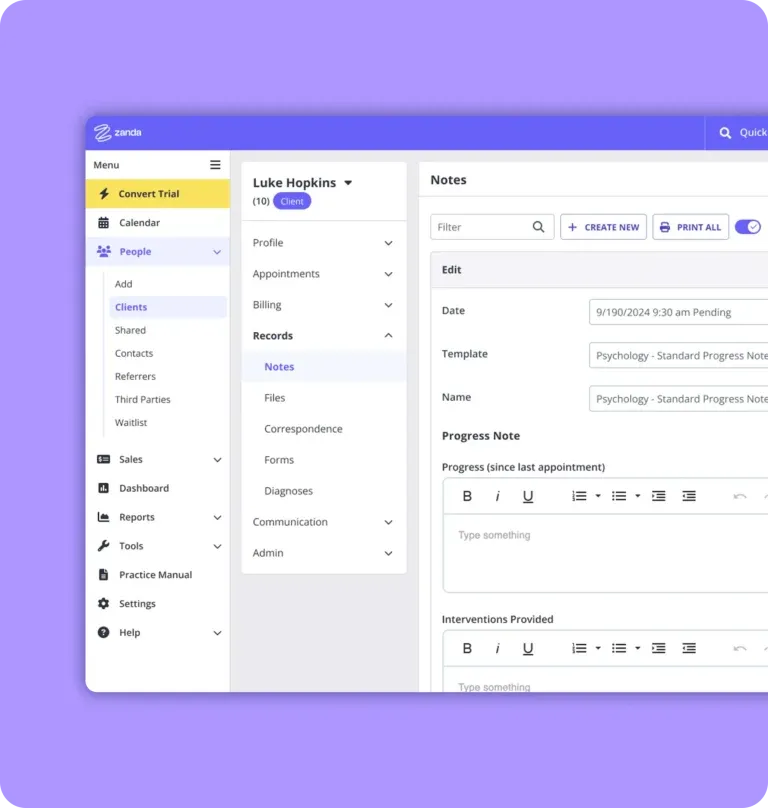
Uncompromising Data Security
We’re committed to the highest levels of data protection, confidentiality, and integrity.
Rigorous Security Standards
We’re dedicated to providing a safe digital environment that meets and often exceeds industry best practices and regulatory standards. Every step of our data migration process is designed to prevent unapproved access or data leakage.
Expertise Meets Security
Each data migration team member understands the sensitivity of the information they handle. They adhere to a strict code of conduct and follow rigorous security protocols to ensure the confidentiality and safety of your data.
Compliance
Zanda complies with global data protection standards, including ISO 27001, GDPR, HIPAA, and Australia’s Privacy Act. We align our data handling practices with these protocols, providing an extra layer of assurance about our commitment to data security.
Data Integrity
As we transfer your data, we work to maintain its accuracy and consistency. Post-migration, we conduct thorough quality checks to verify the integrity of the imported data.
Continuous Improvement
We believe in continuous improvement and adaptation. As technology evolves and new threats emerge, we adjust our security measures accordingly.
The Zanda Difference
When you make the move to Zanda, you’re opting for a superior practice management system with unparalleled data security.
Configuring Your Account
Some elements of your account will require manual setup, which is an opportunity for you to configure Zanda according to your specific needs.
You can set up services, products, session packs, and more, ensuring accurate invoicing and session tracking. Plus, by incorporating insurers and provider numbers, your invoices will be insurance and claim-ready!
Learn More in the Knowledge Base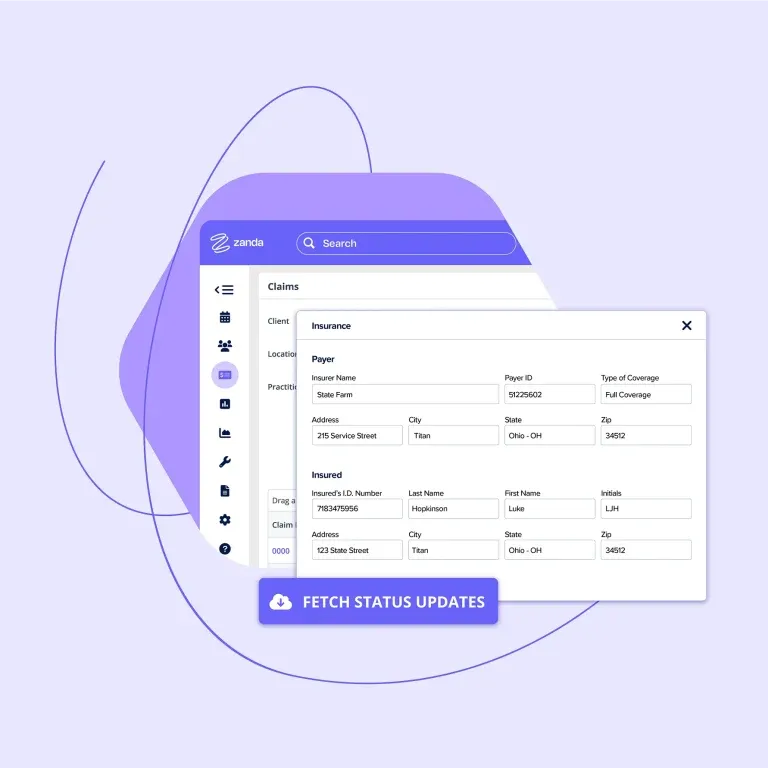
Beyond the Data Import
When you choose Zanda, you’re joining a platform ready to support your continuous growth.
If you have questions or need assistance setting up your account, we offer free customer support through email, support chat, scheduled phone or video calls, and Zanda Academy.
FAQ
Your involvement in the data migration process is essential. At the beginning of the process, we’ll outline the tasks you can engage in for an optimal Zanda experience. This isn’t just about importing data; it’s about creating a holistic workspace for your healthcare practice.
Your first task is to download the data from your current system. Only you have unique access and rights to download your data safely and securely. Once your data is downloaded, packaged, and shared via your Zanda account, our Data Import Team will help to cleanse, transform, and import your data to your new Zanda account, maintaining strict accuracy and confidentiality throughout the process.
Yes, you can continue to use your Zanda account to conduct business as usual during the time that our Data Import Team is working on your data migration. We do recommend that you don’t edit/change/merge the imported data until such time that you have ascertained that you are happy with what has been imported. This can complicate/hinder the resolution of any post-import inquiries/issues that may be raised with the team.
No subscription or BizzyAI: Scribe payments until September*
Sign up before July 31 and pay no subscription fees and no BizzyAI: Scribe costs until September 2026. It's our way of helping you finish the financial year strong and start the next one even stronger.

Eliminate the Sting of Busy Work