

TheraNest vs. Zanda
The Best Alternative to TheraNest for Allied Health Practitioners
What's the difference between TheraNest and Zanda?
TheraNest and Zanda cover similar ground, but the differences matter. Zanda includes a free, customizable client portal, a built-in waitlist, and pricing based on practitioners, not client volume. If your practice is growing or you have a high share of infrequent clients, those gaps add up fast.
TheraNest vs Zanda: Top highlights
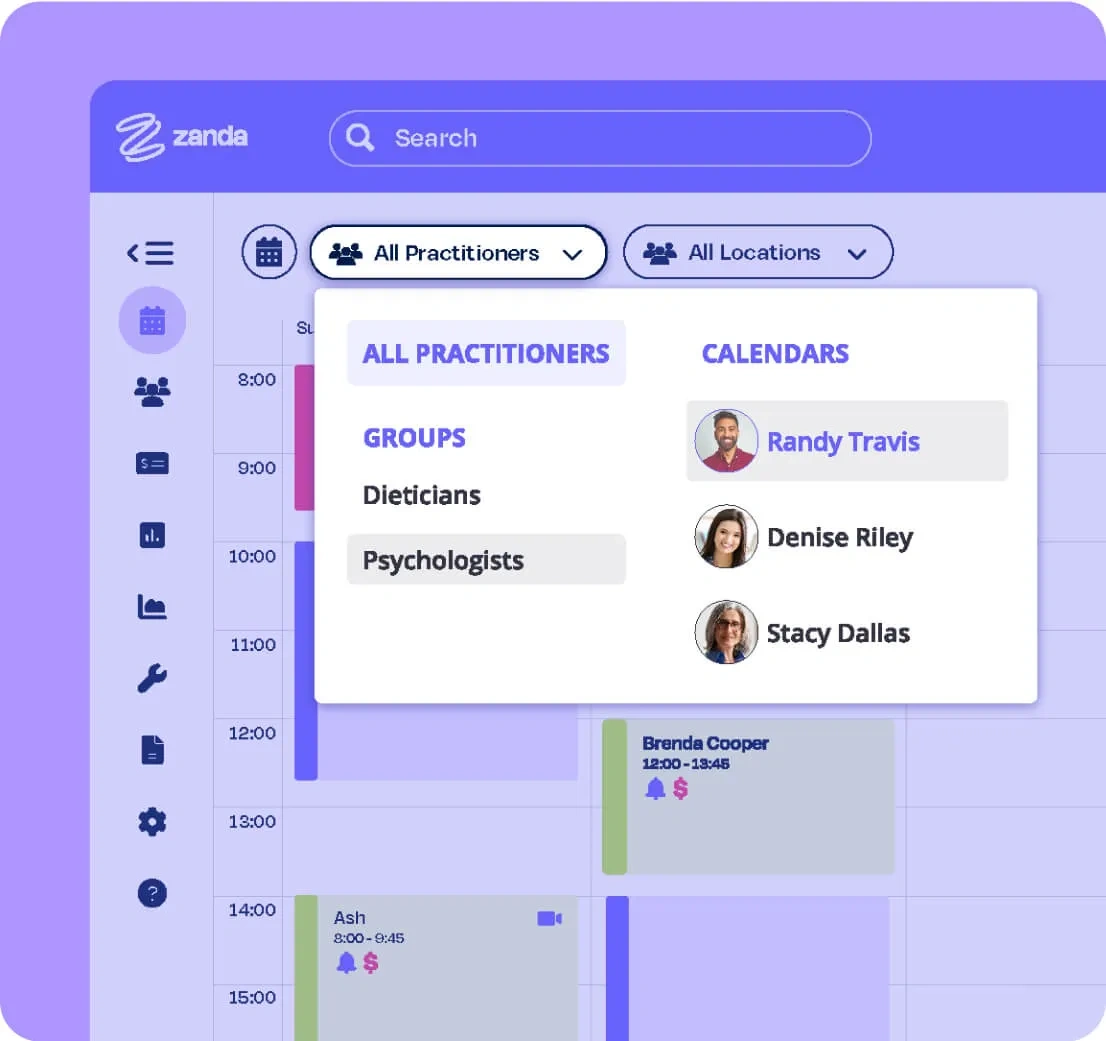
Free client portal with every account
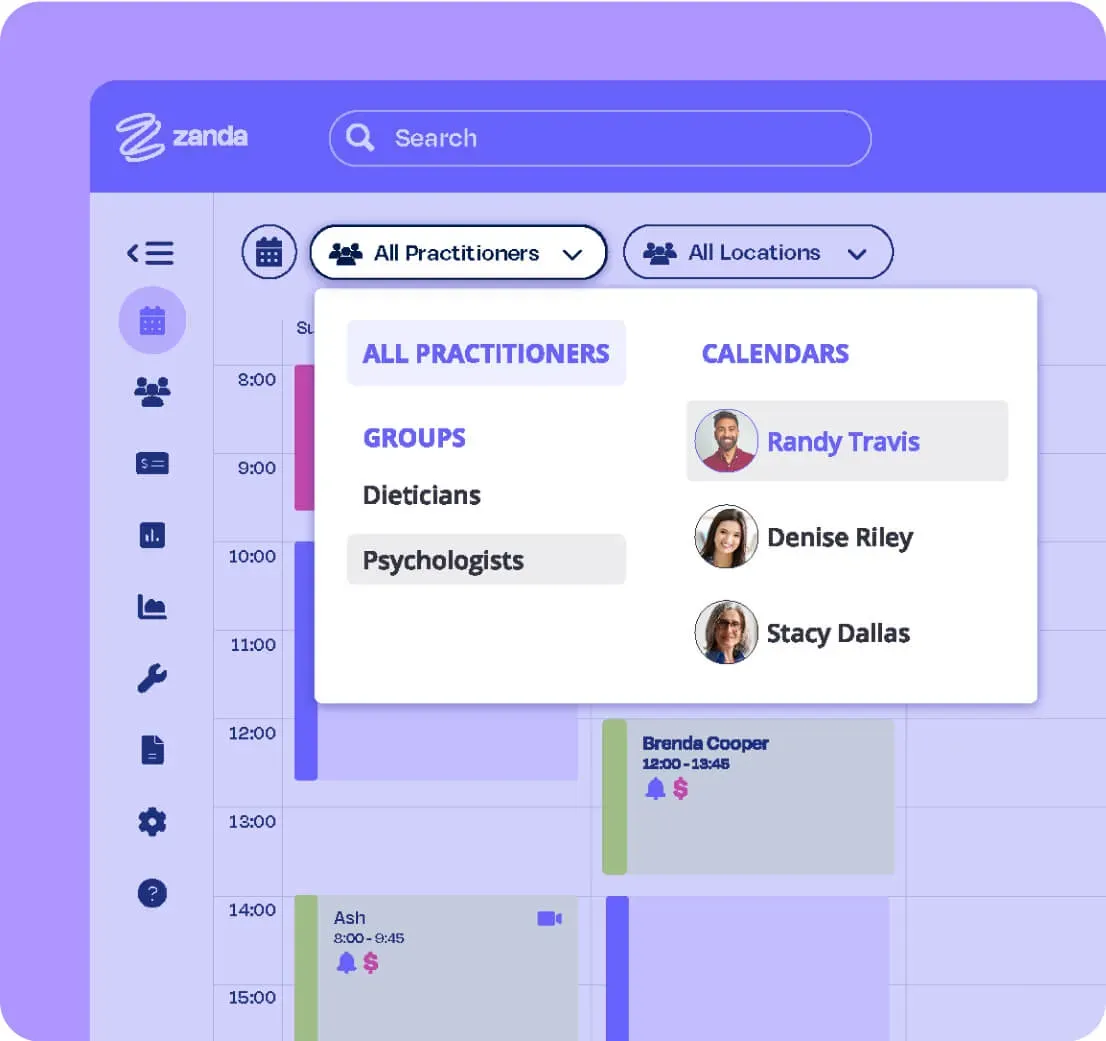
Zanda's client portal is free for all accounts. TheraNest charges $6/month per additional clinician, with add-on fees for features like secure messaging.
With Zanda, clients can book appointments, view clinician availability, pay outstanding bills, and more, at no extra cost.
Integrations with Xero, Stripe, and Mailchimp
Zanda connects with Xero, Stripe, and Mailchimp. The Mailchimp integration lets you export your client list and send up to 12,000 automated emails per month at no extra cost.
TheraNest offers none of these integrations.
100+ free, customizable note templates
Zanda includes over 100 specialized templates at no charge, compared to just 12 from TheraNest. Every template is fully customizable: add text fields, checkboxes, image and anatomy charting, and more.
Waitlist to fill cancellations fast
Both platforms send automated reminders, but only Zanda has a built-in waitlist. When a spot opens, send an SMS to a shortlisted group of clients based on wait time, preferred clinician, and availability, all in a few clicks.
Practitioner-based pricing with no client limits
Zanda charges by the number of practitioners, not active clients. TheraNest's fees rise as your client count grows, which gets expensive for practices with many infrequent clients.
See why health practices love Zanda
Zanda is purpose-built for allied health. Whether you're running a solo clinic or a multi-location practice, Zanda gives you everything you need to manage clients, notes, billing, and communications in one connected system.
Users
Invoices per month
Client notes a month
TheraNest vs Zanda: Side-by-side comparison*
Here's how Zanda and TheraNest compare across the features that matter most.


*This comparison article reflects information available as of April 2020.
Still deciding? We're here to help.
The Zanda support team is available via email, live chat, or the knowledge base.
Book a call
Book a walkthrough with our team and get set up the right way for your practice.
Book a TimeFree data import
We'll transfer your practice data at no charge, so nothing gets left behind.
Data ImportWhat Practitioners Are Saying
Professions we serve

















Try Zanda for yourself!
Eliminate the time you spend on admin and put it back into patient care. Start a free 14-day trial, no credit card needed.